
Tag: Microsoft
-
Fix HTTP Error 500 On A WordPress Website
Fix HTTP Error 500 on WordPress with simple solutions. Learn how to check plugins, repair .htaccess, increase memory, and restore your site.
-
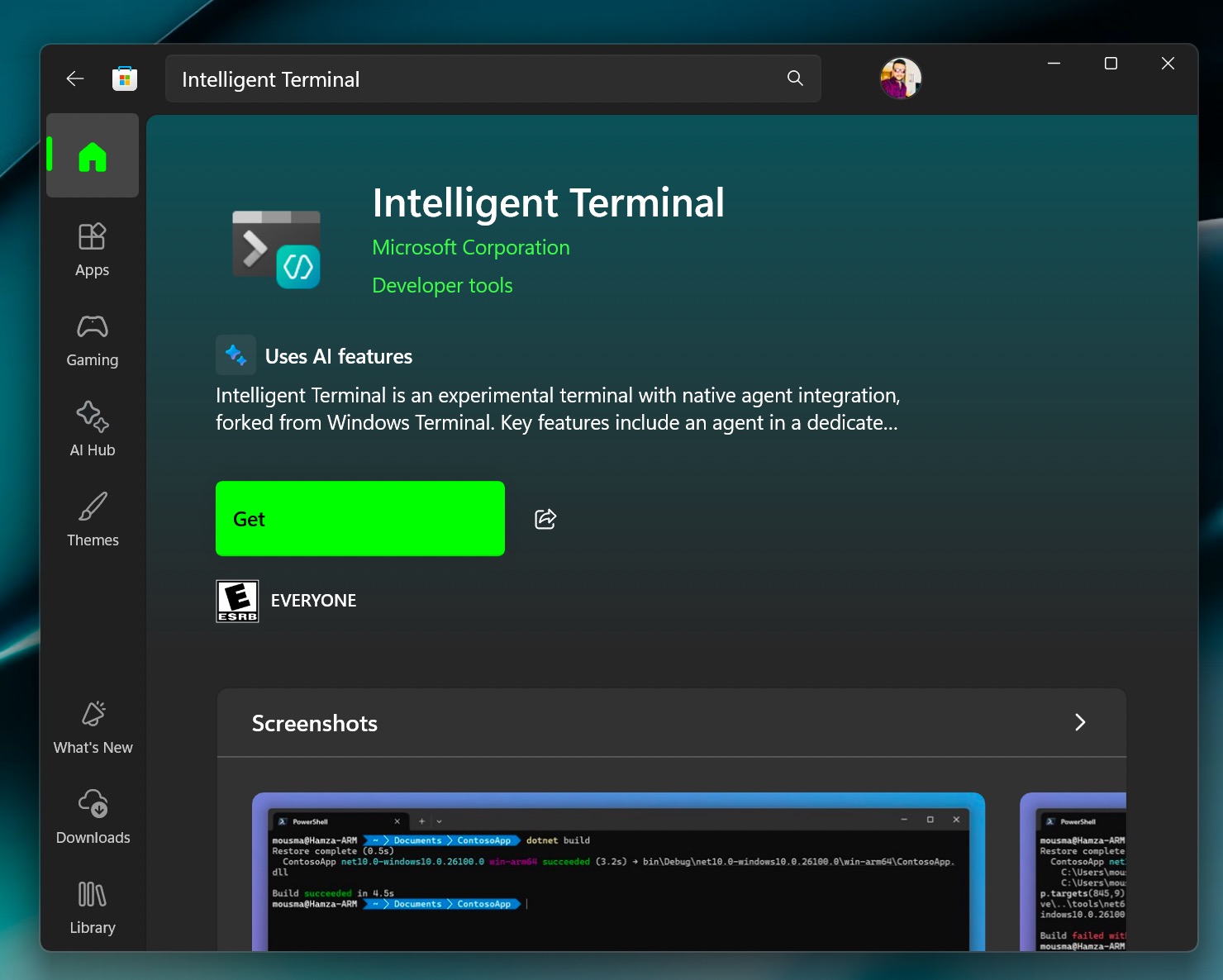
Meet Intelligent Terminal: The AI‑Powered Command Line Upgrade Windows 11 Needed
You typed a command in the terminal, and it failed to process. Then you spent the next 20 minutes searching for the error online.…
-
Fix: Word Cannot Complete The Save Due To A File Permission
Learn how to fix the “Word cannot complete the save due to a file permission error” issue in Microsoft Word. Follow simple solutions.
-
Fix Can’t Create USB Recovery Drive In Windows 11
Can’t create a USB recovery drive in Windows 11? Learn to fix USB detection issues, format errors, and more with step-by-step solutions.
-
Windows Could Not Complete The Installation In Hyper-V
Fix the “Windows could not complete the installation” error in Hyper-V with simple solutions, including ISO checks, and more.
-

Fix Microsoft 365 Won’t Open
Fix Microsoft 365 not opening on Windows with simple troubleshooting steps. Learn to repair, disable, uninstall, and reinstall it.
-

Fix WordPress RSS Feed Not Working
Fix WordPress RSS feed not working with easy troubleshooting steps. Learn how to check plugins, themes, permalinks, feed errors, and more.
-

Fix Outlook Keeps Signing Me Out on Windows
Fix Outlook keeps signing you out on Windows in this guide by clearing cache, reset credentials, update Outlook, and more.
-

Fix: WhatsApp Notifications Not Working On Windows 11
WhatsApp notifications not working on Windows 11? Learn how to fix it with the best, easy step-by-step solutions.
-

Fix: Windows Could Not Start Active Directory Web Service
Fix “Windows Could Not Start Active Directory Web Services” error with simple solutions, including service checks, dependency fixes, and more.