
Tag: MacOS
-

Top Video Editing Software In 2026
Discover the top video editing software in 2026. Compare the best tools, including DaVinci Resolve, Filmora, CapCut, Clipchamp, and more.
-
How To Clear Cache On Android And Free Up Storage
Learn how to clear cache on Android and free up storage space. Follow methods to remove temporary files, improve performance, and more.
-

Fix: WordPress Revisions Not Showing
WordPress revision not showing? Learn to fix missing revision history by checking settings, plugins, themes, wp-config.php, and more.
-
Best Cache Plugins For WordPress [2026]
Discover the best cache plugins for WordPress in 2026. Compare WP Rocket, W3 Total Cache, LiteSpeed Cache, NitroPack, and more.
-
Guide: Download Windows 11 26H2 ISO File
Learn how to download the Windows 11 26H2 ISO file using UUP Dump. Follow simple methods to create the latest Windows 11 preview ISO.
-
Fix WordPress Dashboard Not Loading
Fix the WordPress dashboard not loading issue with solutions. Learn to check plugins, themes, cache, memory limits, database errors, and more.
-

Disable Automatic Updates On Windows 11
Learn how to disable automatic updates on Windows 11 using Settings, Group Policy, Registry Editor, and other simple methods.
-

Fix: WiFi Keeps Dropping After Locking Windows PC
WiFi disconnecting after locking your Windows PC? Learn fixes to stop WiFi drops, adjust power settings, and more.
-
Fix HTTP Error 500 On A WordPress Website
Fix HTTP Error 500 on WordPress with simple solutions. Learn how to check plugins, repair .htaccess, increase memory, and restore your site.
-
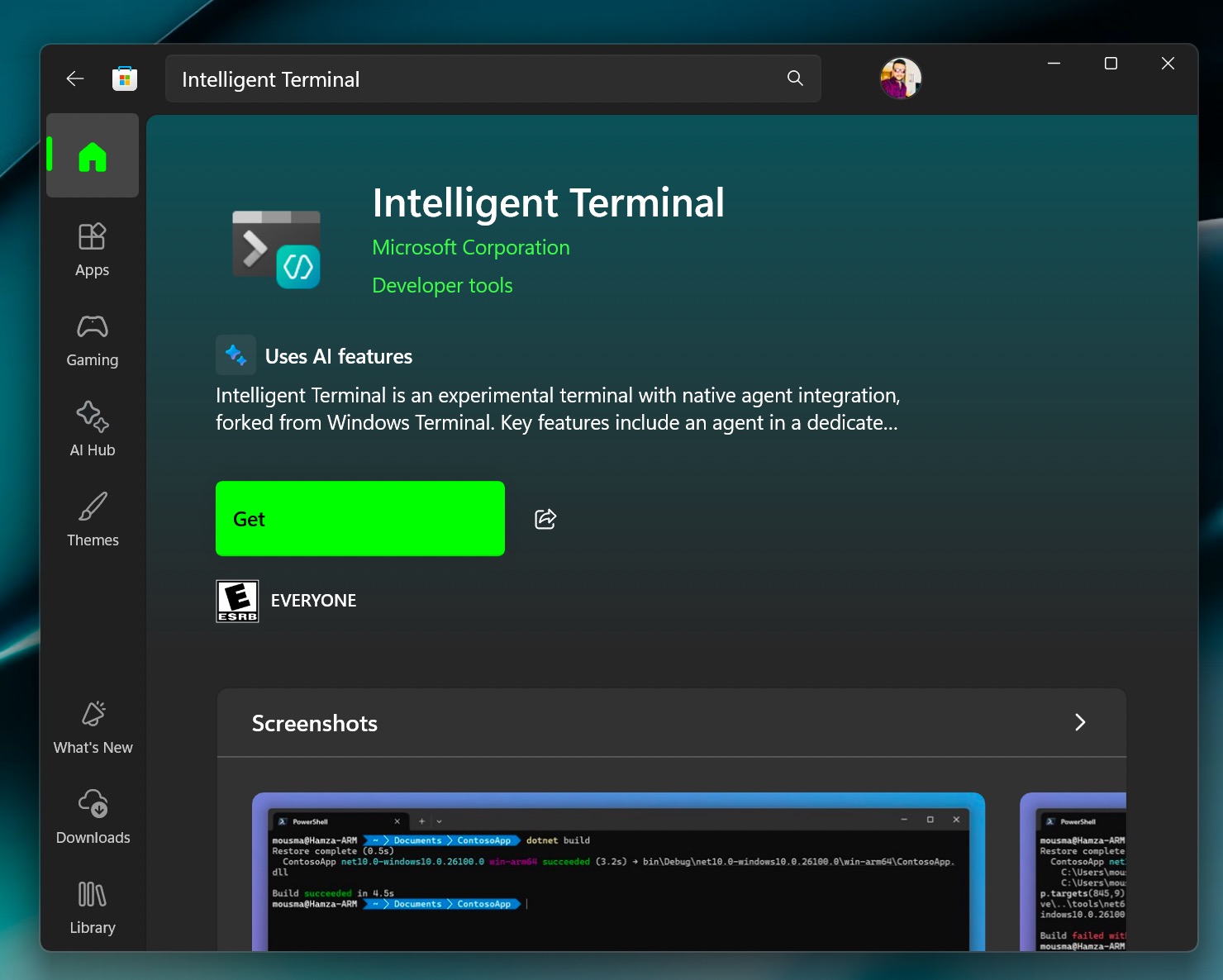
Meet Intelligent Terminal: The AI‑Powered Command Line Upgrade Windows 11 Needed
You typed a command in the terminal, and it failed to process. Then you spent the next 20 minutes searching for the error online.…