


Your website looks professional. Your content is valuable. But pages take too long to load. In such scenarios, most visitors won’t wait and skip the pages. They leave within seconds and move to another site. That’s why using the best cache plugins matters.
The caching plugin helps you store ready-to-load versions of your web pages. This will speed up your site and reducing server workload. If your site has better speed, it can improve user experience, SEO, and create more conversions.
Best Cache Plugins For WordPress [2026]
Let’s look at some of the best ones:
1. WP Rocket – Best Overall Cache Plugin
WP Rocket is one of the most popular premium caching plugins for WordPress. It automatically enables page caching, browser caching, cache preloading, lazy loading, and file optimisation.

Pros
- Easy setup
- Powerful performance features
- WooCommerce-friendly
Cons
- No free version
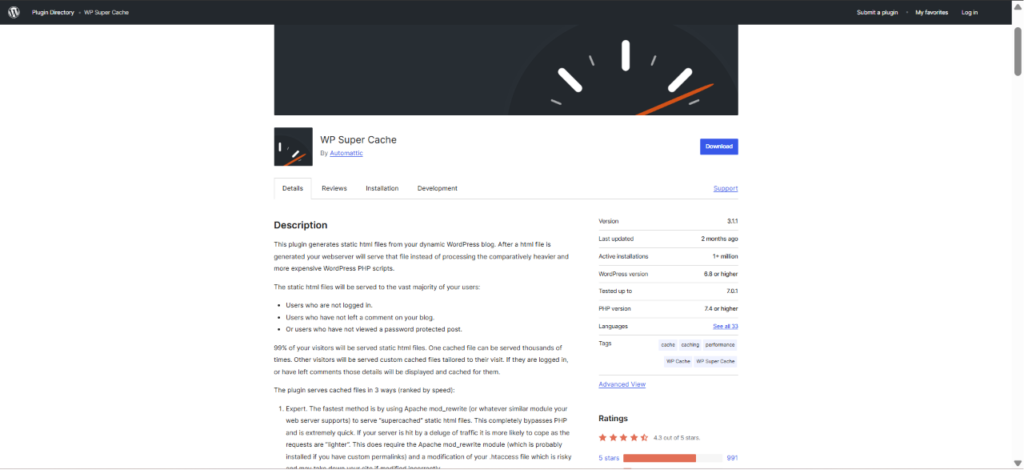
2. WP Super Cache – Best Free Plugin For Beginners
Created by Automattic, the company behind WordPress tools. WP Super Cache generates static HTML pages and serves them to visitors instead of loading pages dynamically every time.
Pros
- Free
- Simple setup
- Cache preloading support
Cons
- Some advanced settings can be technical for users
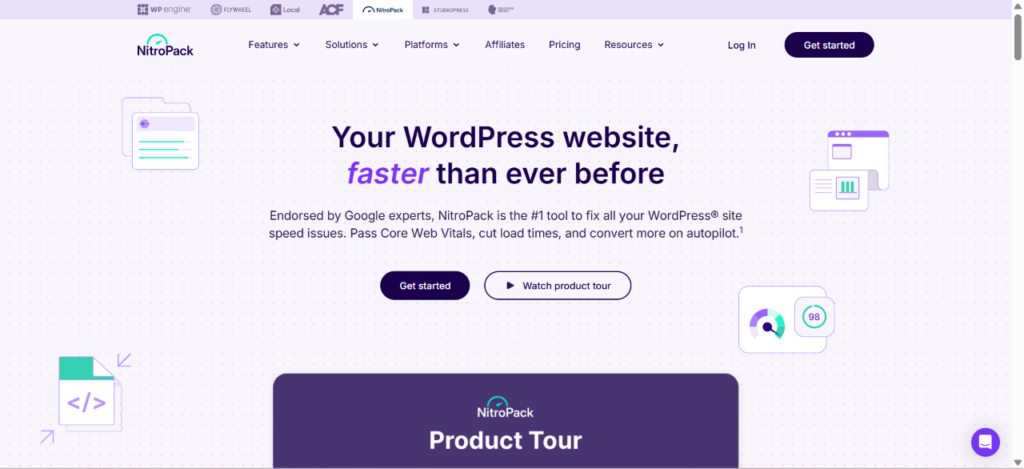
3. NitroPack – Best Plugin For Core Web Vitals
NitroPack provides caching, image optimisation, code optimisation, and content delivery features in a single platform. It is popular for improving Core Web Vitals scores.
Pros
- Fast setup
- Automatic optimisation
- Strong performance improvements
Cons
- Premium pricing
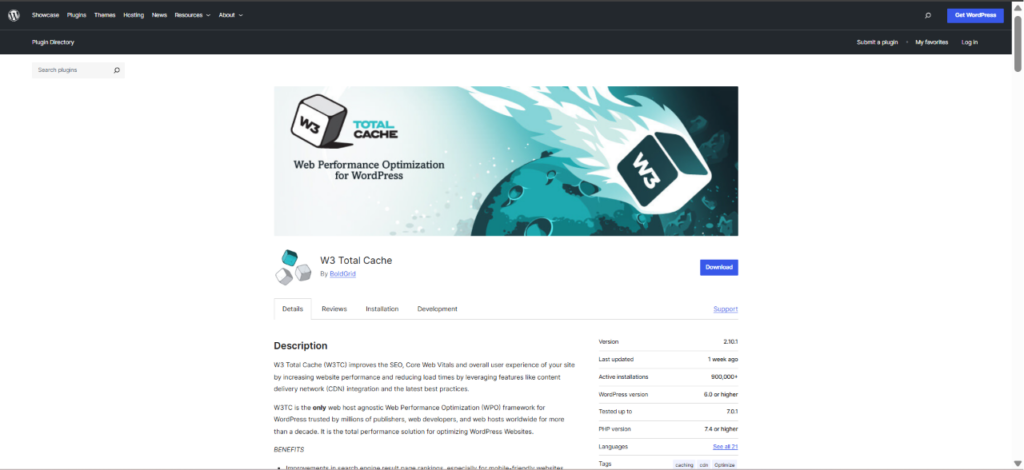
4. W3 Total Cache – Best For Advanced Users
W3 Total Cache offers page, browser, database, and object caching. It also includes code minification and performance optimisation tools.
Pros
- Feature-rich
- Flexible
- Free version available
Cons
- It has complex setup for beginners
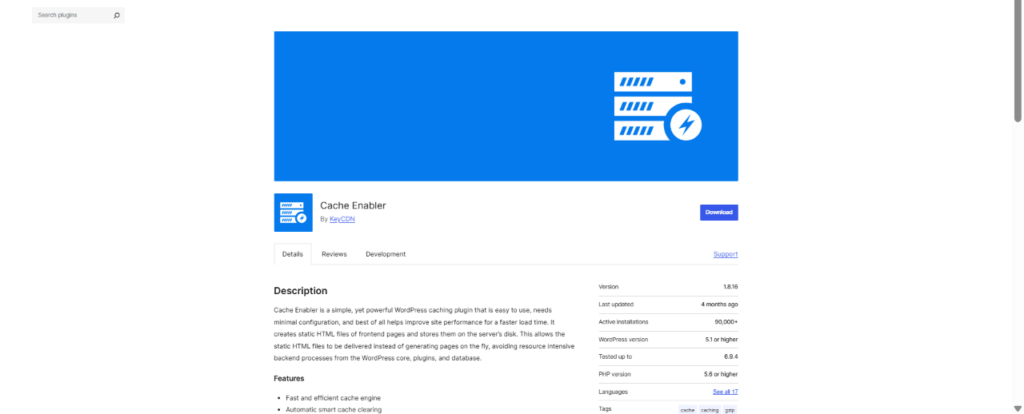
5. Cache Enabler – Best Lightweight Option
Cache Enabler is a simple, yet powerful WordPress caching plugin that is easy to use, needs minimal configuration, and best of all helps improve site performance for a faster load time. It creates static HTML files of frontend pages and stores them on the server’s disk.
Pros
- Lightweight
- Beginner-friendly
- Free
Cons
- Fewer advanced features
6. LiteSpeed Cache – Best For LiteSpeed Hosting
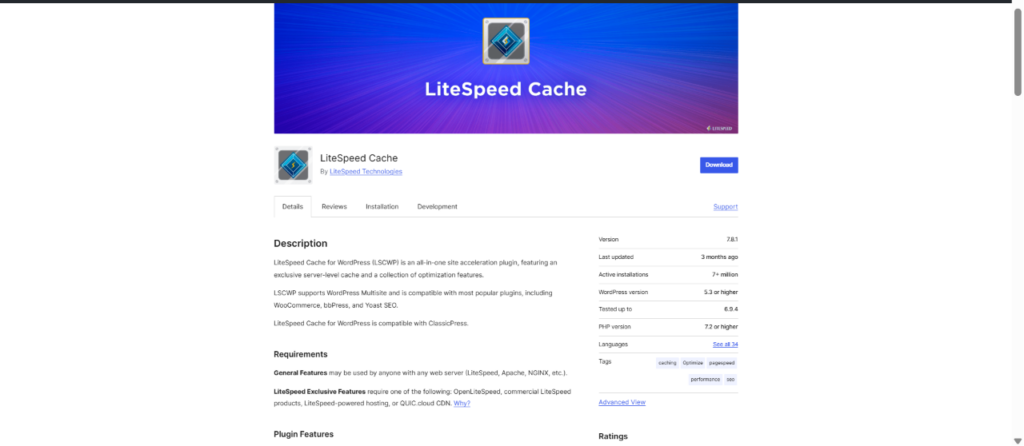
LiteSpeed Cache for WordPress (LSCWP) is an all-in-one site acceleration plugin, featuring an exclusive server-level cache and a collection of optimization features.
LiteSpeed Cache delivers server-level caching and includes image optimisation, database cleanup, and cache preloading features.
Pros
- Powerful performance
- Free to use
Cons
- Works best on LiteSpeed servers
7. Sucuri – Best For Security And Caching
Sucuri combines website protection with cloud-based caching. Its global CDN helps improve loading speeds while keeping websites secure.

Pros
- Firewall
- Malware protection
- CDN included
Cons
- Little more expensive than other caching plugins
Conclusion
We recommend to keep the Caching thing simple. Choose the plugin that meets your hosting and comfort level. All you need to do is to follow best practices, and you’ll see instant improvements. The WordPress ecosystem is dynamic. These caching tools ensure your site remains fast, stable, and enjoyable for every visitor you target.

Leave a Reply