


In fact, the best Video Editor Software for Mac can make all the difference when you’re looking to put your raw footage into a finished video for YouTube, Instagram Reels, short films, tutorials, product videos, or a professional project. However, there are numerous Mac video-editing software programs that can be used in 2026, and it can be easy to become confused when selecting the best Mac software.
Fortunately, you don’t have to invest a lot of money in software and hardware or have years of editing experience to begin!
Here are some of the top Mac video editing software for 2026, including free and paid software like DaVinci Resolve, Final Cut Pro, iMovie, Adobe Premiere Pro, CyberLink PowerDirector 365, Lightworks and CapCut. In this guide, we will see the essentials, pros, cons, target audience and the reason why each of these editor is worth considering.
| Video Editor | Best For | Difficulty | Free Option | Professional Tools |
| DaVinci Resolve | Professional editing and color | Advanced | Yes | Excellent |
| Final Cut Pro | Mac professionals | Intermediate | Trial/paid | Excellent |
| iMovie | Beginners | Easy | Yes | Basic |
| Premiere Pro | Professional workflows | Advanced | Trial/paid | Excellent |
| PowerDirector 365 | Enthusiasts | Easy–Intermediate | Limited/trial | Very Good |
| Lightworks | Alternative professional workflow | Intermediate | Available depending on plan | Very Good |
| CapCut | Reels and short-form content | Easy | Yes | Good |
7 Best Video Editor Software for Mac in 2026
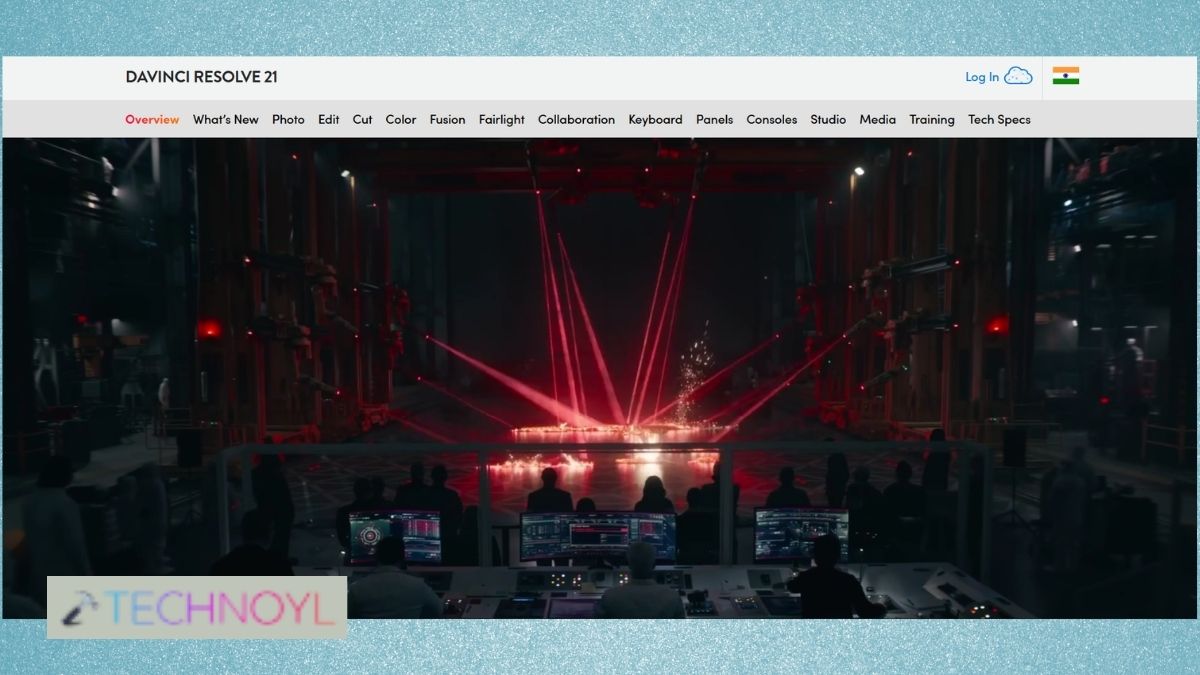
1. DaVinci Resolve
Although it is a free option, DaVinci Resolve is a powerful video editing software that can be used by users who require professional-quality editing software for Mac. It is a single application that has video editing, color correction, visual effects, motion graphics, and audio tools. It’s also available for free, which is a good choice for those who want to dive into its advanced editing features as well as experienced creators seeking to work on professional projects.
Ideal for: Video editing, color grading, and professional-level video projects.
2. Final Cut Pro
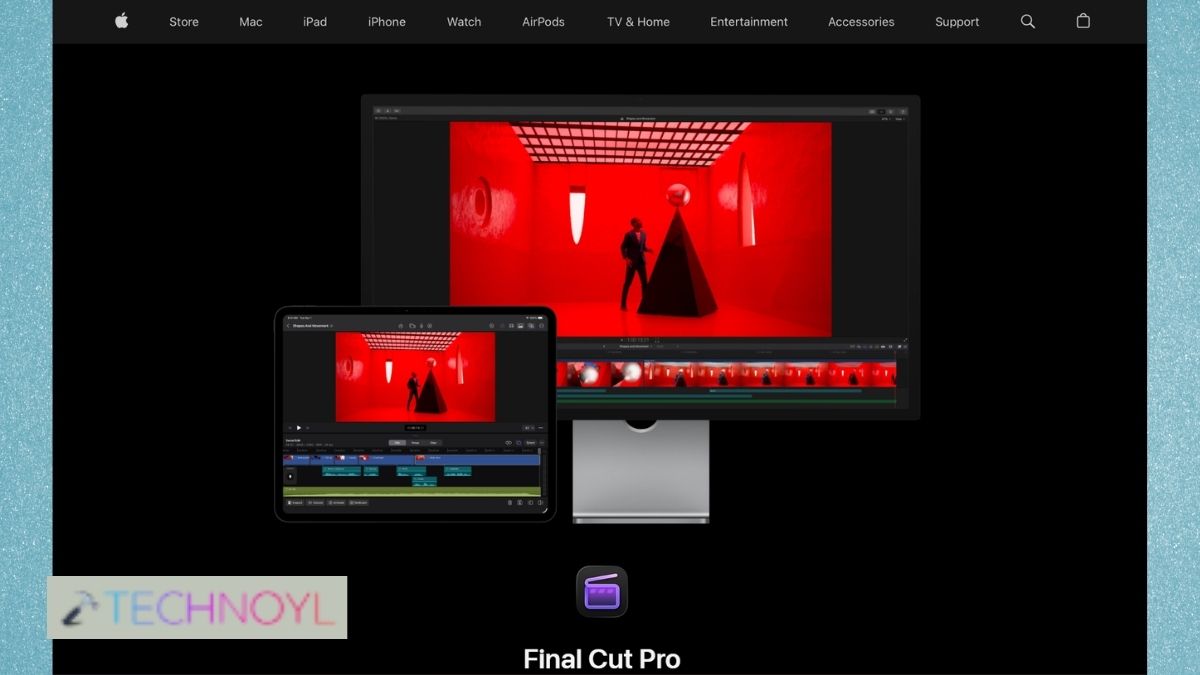
Final Cut Pro is a professional video editing software application for Apple’s Mac computer system, which is intended for the Mac ecosystem. It has a quick and intuitive workflow, advanced editing, color correction, audio, effects and high-resolution video support. Because of its tight integration with macOS and Apple’s hardware, it’s an excellent option for those who work with a Mac.
Ideal for: Professional Mac users, YouTubers and filmmakers.
3. Apple iMovie
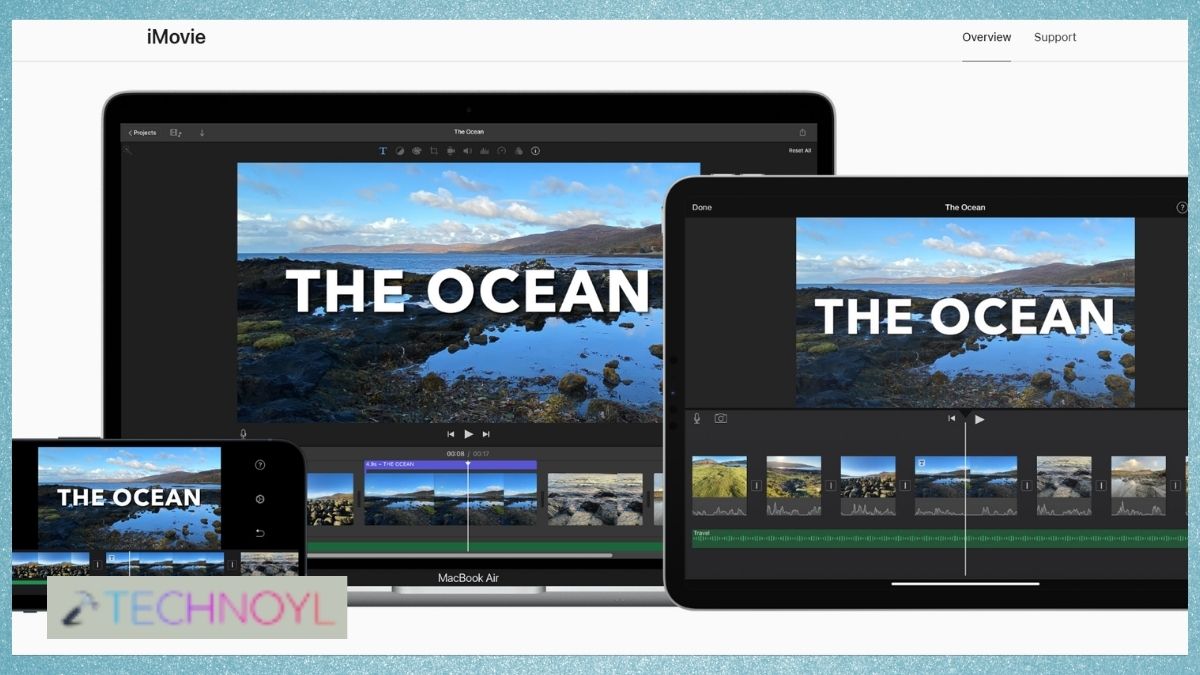
One of the best video editing software options for Mac is Apple iMovie. It has a simple interface that allows for easy import of clips, trimming videos, adding transitions, titles and music, without navigating through other complex video editing controls. It’s best suited for simple video projects and beginners of video editing.
Ideal for: Novices, simple video editing and individual projects.
4. Adobe Premiere Pro
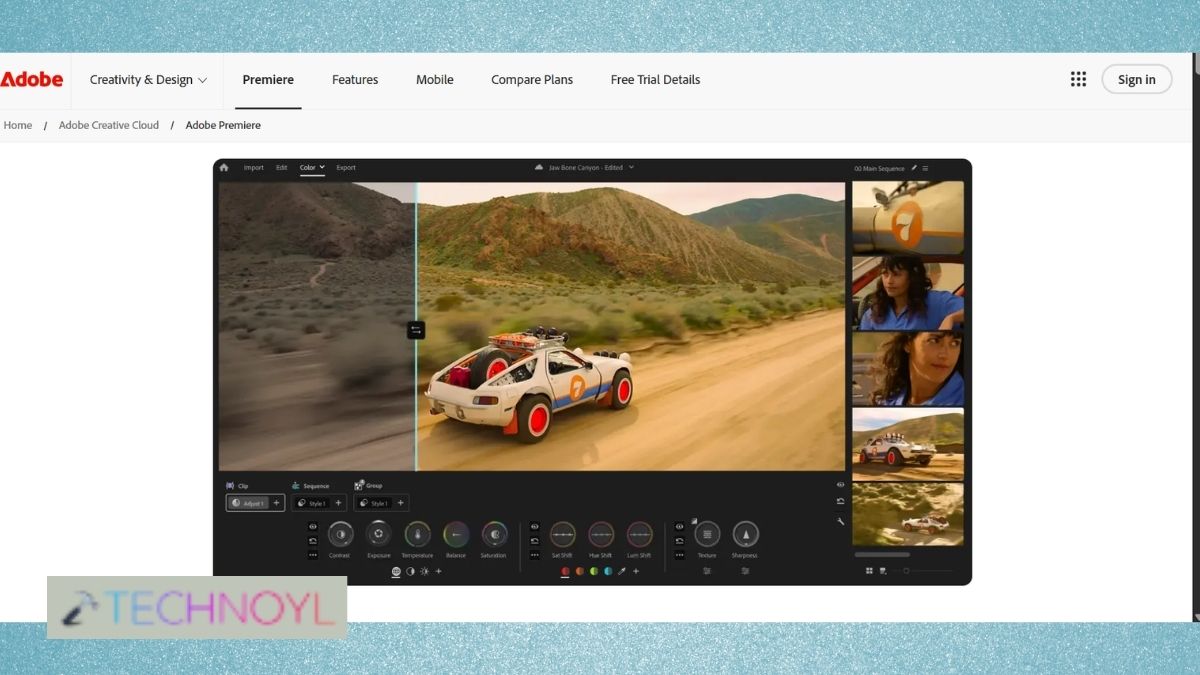
Adobe Premiere Pro is a popular professional Mac video editor that needs to be installed on the Mac and includes features for video editing, color correcting, audio, effects and complex timelines. It’s great for pro editors and creators who require a versatile workflow and integration with the other Adobe Creative Cloud apps.
Ideal for: professional editing, making movies and advanced video editing.
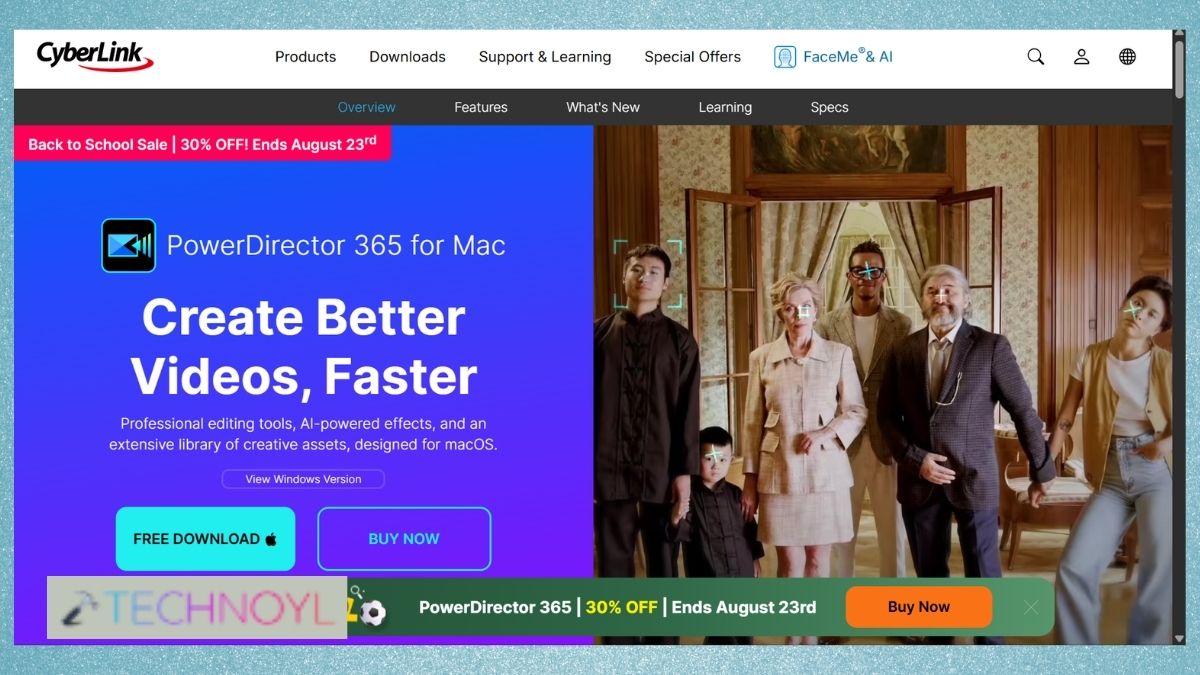
5. CyberLink PowerDirector 365
CyberLink PowerDirector 365 is a combination of advanced editing capabilities and user-friendly editing tools. It has video editing, effects, transitions, titles, audio and creative project tools and is suitable for those who want more than a simple editor but not overly complicated.
Ideal for: Novices, video editing fans and for video editing with advanced features.
6. Lightworks
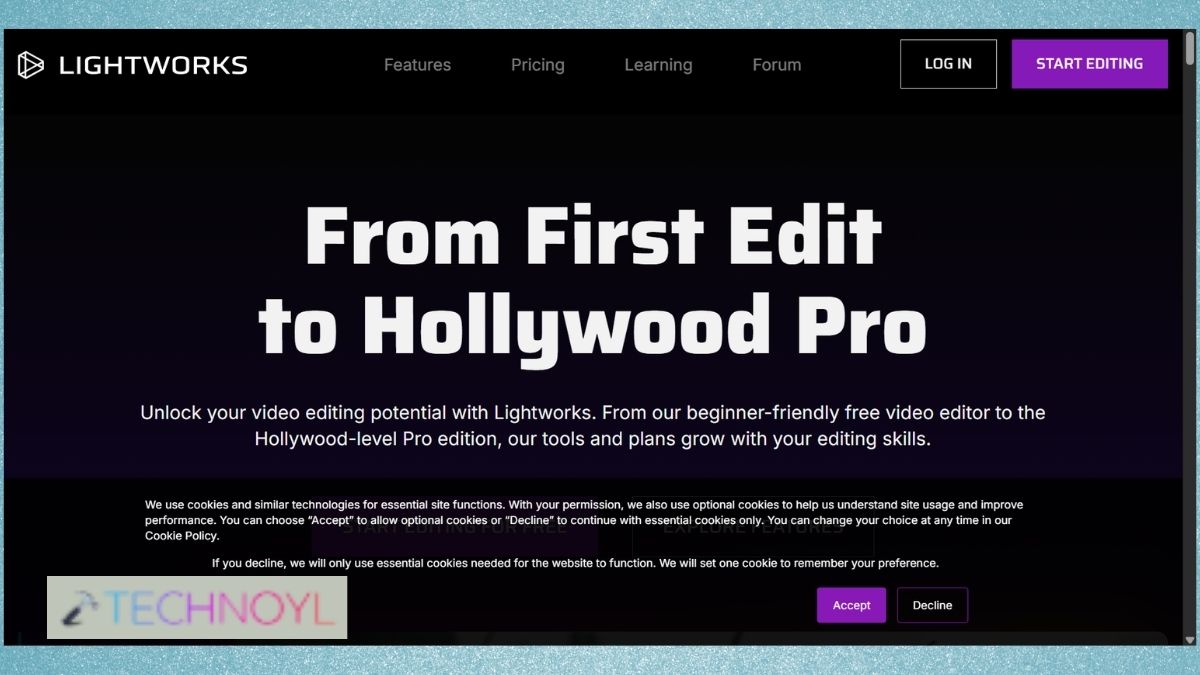
Lightworks is a well-known video editing program that has a workflow comparable to a professional video editor. It offers editing and handling of timelines, effects, transitions, audio and media. It may be a great substitute for individuals who are looking for another professional video editor for Mac.
Perfect for: Intermediate users and creators who want an alternative professional editing workflow.
7. CapCut Mac
CapCut Mac is an easy-to-use video editor for Mac, especially for creating short videos. It offers easy-to-use features such as text, effects, transitions, captions and creative templates for making Instagram Reels, YouTube Shorts and other social media videos.
Ideal for: Social media creators, Reels, Shorts and video editing in a hurry.
How to Choose the Best Video Editor Software for Your Mac
Not sure which program to install? These points can help you:
- Ensure that your Mac has enough drive space, memory.
- iMovie or CapCut seems good options for beginners, and DaVinci Resolve, Final Cut Pro or Premiere Pro can be good choices for advanced users.
- Consider whether you will need 4K video editing, color correction, audio editing, visual effects, captioning, templates or professional workflows, while deciding best editor.
- Some basic projects may not require paid software and can use the free editor, whereas some advanced software can provide professional tools and features for some paid software.
Frequently Asked Questions(FAQs)
What is the best video editor software for Mac in 2026?
Each Mac user has different requirements, and hence the best video editor software for Mac is different. While DaVinci Resolve is great for advanced editing and color grading, Final Cut Pro is a fine pro-level editor for Mac users, and iMovie is perfect for novices; CapCut is suitable for short-form social media videos.
What is the best free video editing software for Mac?
Two of the good ones are DaVinci Resolve and iMovie. DaVinci Resolve offers much more powerful video editing tools, while iMovie is more suited to the novice user who would like to just have a few editing features.
Is Final Cut Pro better than DaVinci Resolve?
There is no one truly best or universally better. Mac users looking for an Apple-centric professional workflow will especially prefer Final Cut Pro, while color grading, visual effects, audio post-production, and the power of a free version are sure to appeal to those who choose DaVinci Resolve.
Which Mac video editor is best for YouTube and Reels?
If you are working with short videos, such as Reels, then CapCut is a handy option. If you’re looking for more advanced production techniques on YouTube, the control over editing, audio, color and effects in Final Cut Pro, DaVinci Resolve, and Premiere Pro is more advanced.
That’s it!

Leave a Reply