

You finish recording your video. Now comes the hard part. Editing. Choosing the top video editing software can make all the difference. It will help you cut clips faster, add effects easily, and create better-looking videos. Here are the top video editing software for Windows as well as Mac.
1. DaVinci Resolve – Best For Professional Editing
If you want advanced editing without paying, DaVinci Resolve is one of the best choices.
What it offers?
- Professional editing, colour grading, and audio tools
- Supports multi-camera editing
- Includes visual effects and motion graphics
- Exports up to 4K without a watermark
Best for: YouTubers, filmmakers, and advanced creators.
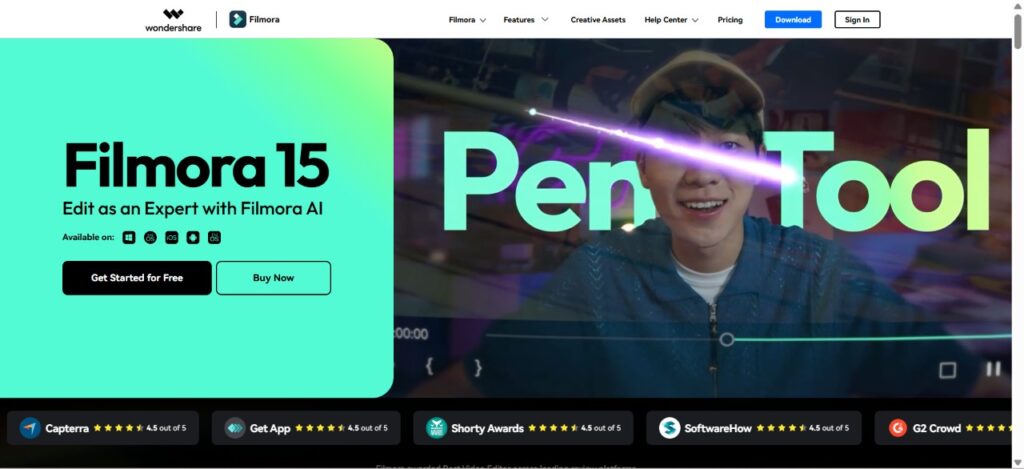
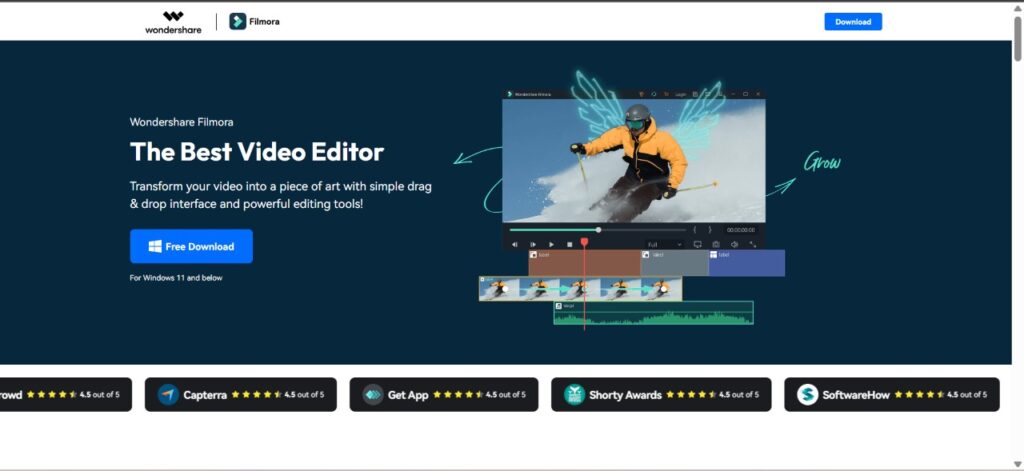
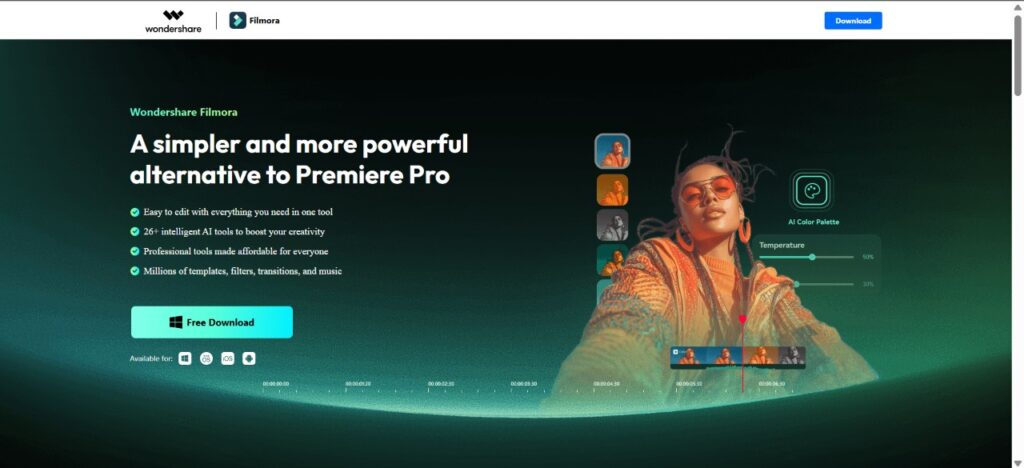
2. Wondershare Filmora 15 – Best For Easy Editing With AI
Filmora 15 keeps editing simple while offering powerful features.
Key features
- Clean and beginner-friendly interface
- AI text-based editing
- Smart masking and planar tracking
- AI music generation and vocal remover
- Large collection of transitions, effects, and titles
- You’ve got multiple export options for YouTube, devices, and local files
Best for: Beginners, content creators, and small businesses.
3. CapCut – Best For Fast Social Media Videos
CapCut is simple interface tool with lots of useful editing offerings.
Highlights
- Drag-and-drop timeline
- Text-based editing
- Chroma key and colour adjustments
- Supports exports up to 8K
- The free version includes many editing tools
Best for: TikTok, Instagram, and YouTube Shorts creators.
4. Clipchamp – Best Browser-Based Editor
Clipchamp works directly in your web browser, so you don’t need a powerful PC.
What you get
- Multi-track editing
- Built-in templates
- Free stock videos, music, and graphics
- Auto captions
- Direct sharing to social platforms
Best for: Quick online editing and beginners.
5. Adobe Premiere Rush – Best For Quick Projects
Premiere Rush is designed for users who want to edit and publish videos quickly.
Main features
- Automatic video creation
- Easy and very simple editing timeline
- Allows direct upload to YouTube
- Easy user interface
Best for: Everyday creators and social media users.
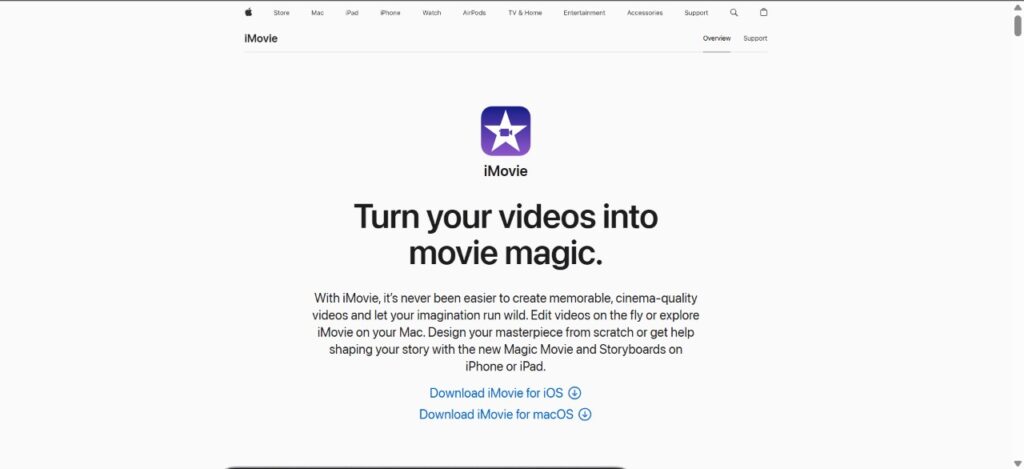
6. iMovie – Best For Apple Users
Mac, iPhone, and iPad users can edit videos easily with iMovie.
Benefits
- Free with Apple devices
- Smooth performance
- Supports green screen and video stabilisation
- Easy sharing across Apple devices
Best for: Apple users and beginners.
That’s it!

Leave a Reply