

WordPress 7.0 is one of the most impactful updates in years, released on 20th May, 2026. It has brought a contemporary, quicker, and collaborative blogging, creation and development experience to bloggers, creators and developers. This WordPress 7.0 features update includes a number of new editing features, streamlined workflows, and impressive performance improvements. This is all aimed at enabling you to create a better product, work faster, and more effectively manage your site.
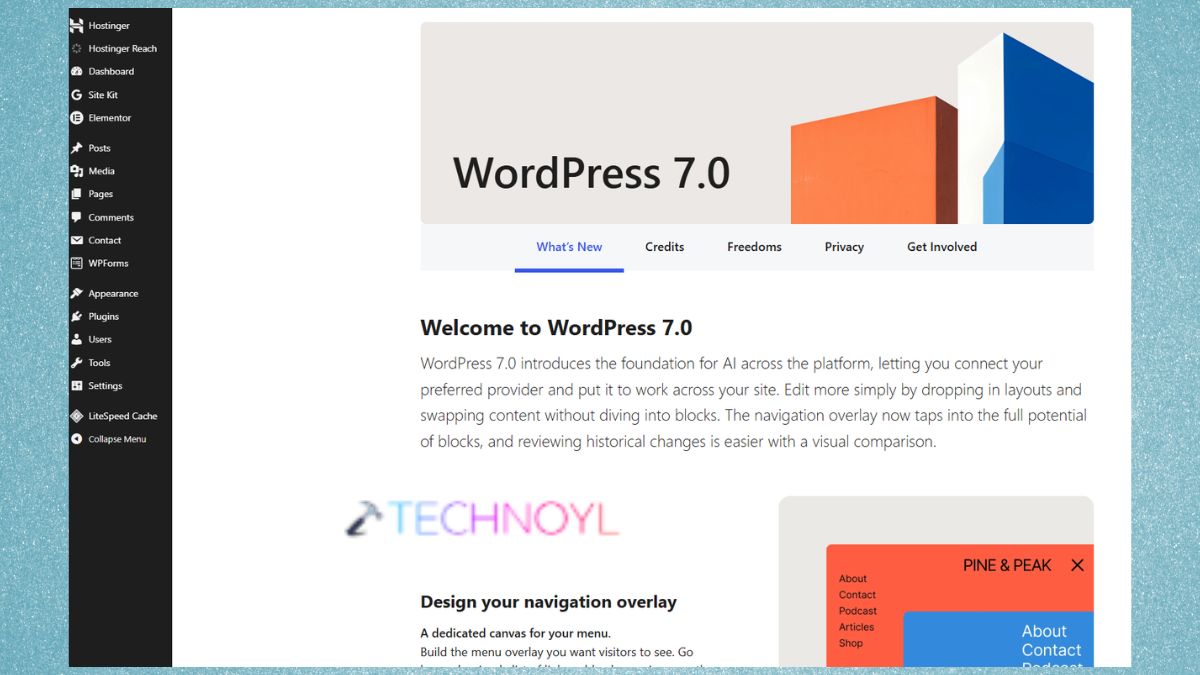
WordPress 7.0 Features That Will Transform Your Blog
Here are some of the best features you should be aware of.
Google Docs Style Co-Editing
WordPress 7.0 introduces true real-time collaboration: multiple writers/editors can edit the same post at the same time. You can now have the cursor move live, get instant text updates and sync seamlessly, just as you would with Google Docs. In multi-author blogs, this means that there are no more duplicate drafts and content approval time is cut significantly.
Enhanced Notes & Asynchronous Collaboration
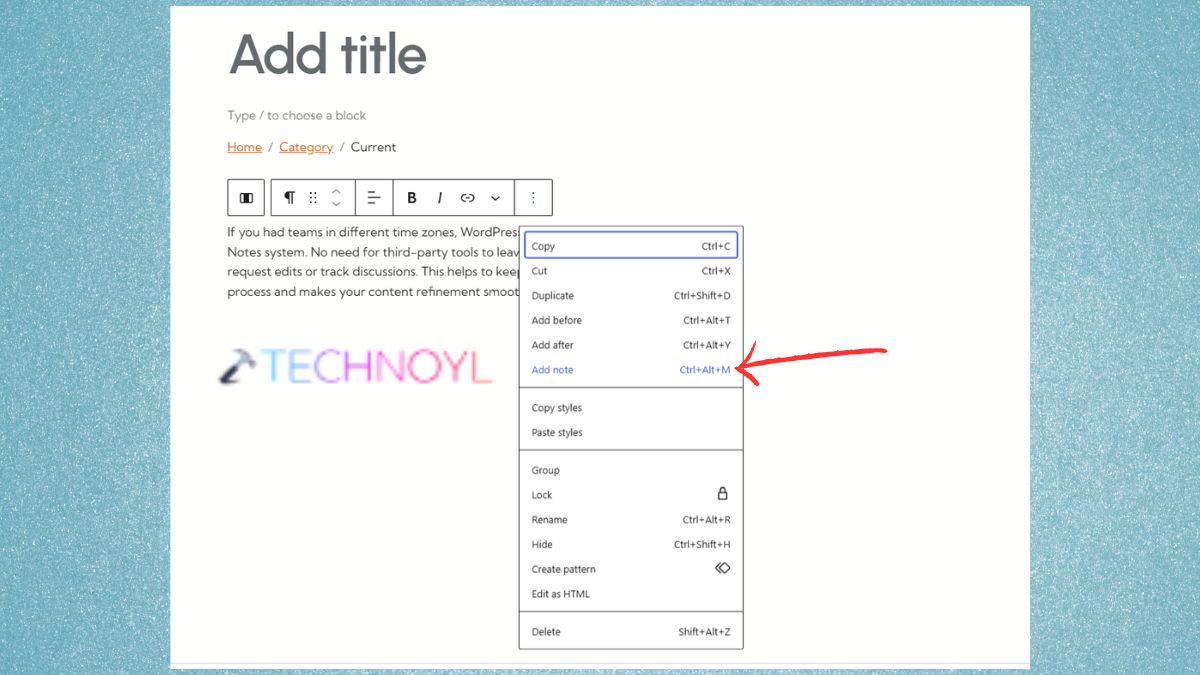
If you had teams in different time zones, WordPress has an editor built-in Notes system. No need for third-party tools to leave comments, assign tasks, request edits or track discussions. This helps to keep feedback within your process and makes your content refinement smoother.
Visual Revisions for Easy Rollbacks
The New Visual Revisions panel provides the ability to view changes as a timeline and see what changes were made – blocks, layout, or content. Reverting to older versions is now more secure and easier to do, particularly if you have longer posts or pages with lots of design.
DataViews Replaces Legacy Admin Tables, Faster WordPress Admin
The traditional tables for post, page, media, and users have been replaced with DataViews, the new interface, with its more intelligent sorting, bulk actions, and faster filtering. This modification is a huge gain in the day-to-day operation of a site, particularly for blogs that have a large archive.
Client-Side Media Processing
WordPress 7.0 speeds up media uploads using in-browser image processing. Images are compressed and optimized even before they reach your server, resulting in:
- Faster uploads.
- Reduced server load.
- Improved performance for shared hosting users.
Powerful Design and Block Editing Enhancements
The following 2 blocks are now completed; they’re very popular:-
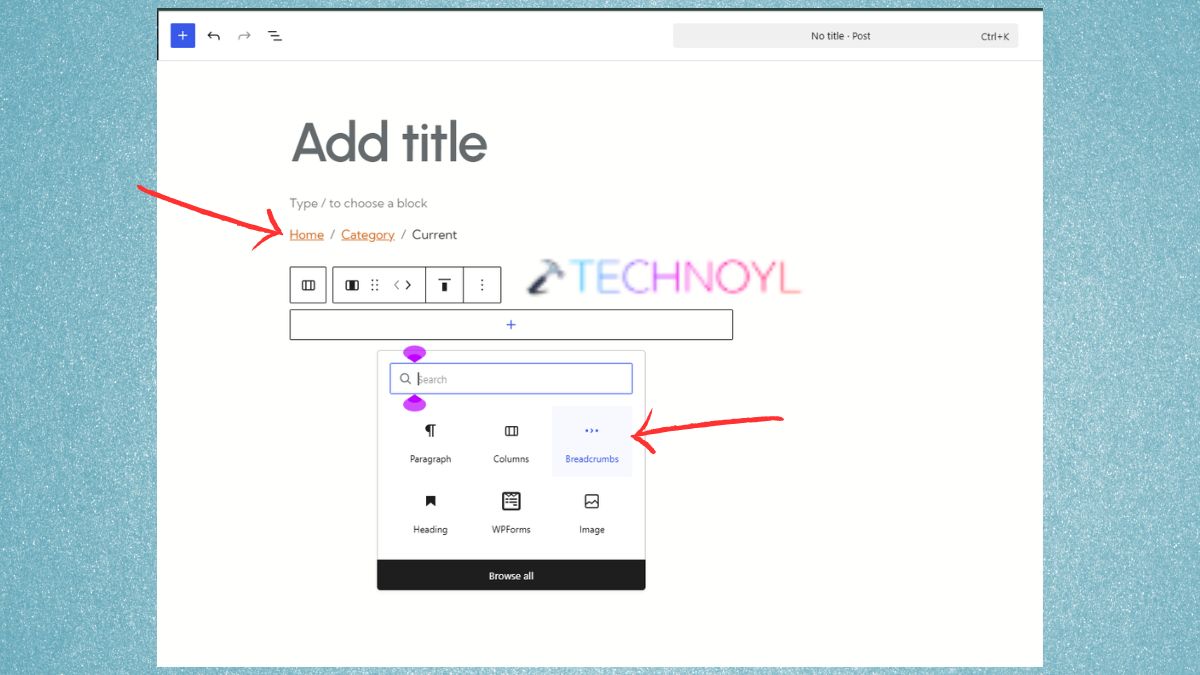
- Breadcrumbs are used for improved navigation and SEO.
- With an icon set installed, icons will be blocked.
These blocks offer greater flexibility in site design than ever before.
Responsive Editing & Spotlight Mode
In its new editor, the editor has added Responsive Mode, which will let you instantly see and make changes to your designs for mobile, tablet, and desktop. Spotlight Mode dims out all the blocks except the selected one so that you can concentrate on the selected one; ideal for clutter-free writing!
Improved Grid, Gallery & Cover Blocks
You can now create:-
- Advanced grid layouts.
- In a Cover block, add video backgrounds.
- More dynamic gallery layout.
These enhancements make it easier to create pages for your blog that are appealing in appearance, even without the use of plugins.
Universal Font Library
Each theme now has its own global font library to upload and then use font libraries throughout the site.
Developer-Focused Enhancements Behind the Scenes
- Block Bindings provide a way for blocks to show dynamic data without custom coding.
- Pattern Overrides enable a theme designer to design an editable pattern with structural control.
- PHP-Only Block Registration – No need for any JS build tools.
Technical Requirements for WordPress 7.0
For WordPress 7.0 to function properly, make sure your WordPress installation has the following requirements:-
- 256MB+ WordPress memory, 512MB is recommended!
- Strong encryption with a valid SSL certificate.
- PHP 7.4+ (PHP 8.3 recommended).
- MySQL 8.0+ or MariaDB 10.5+.
- An Apache or nginx server.
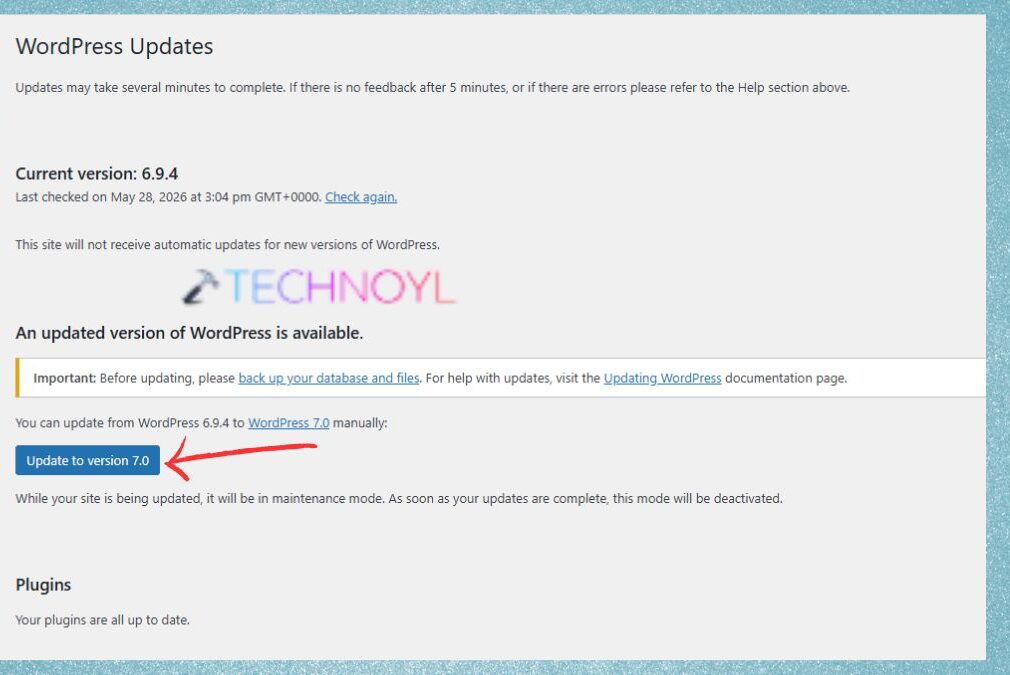
After, just click on “Update to version 7.0” in WordPress.
Frequently Asked Questions (FAQs)
Is WordPress 7.0 100% free?
Yes, WordPress 7.0 is totally free to download and use. The core software will always be open source and free. You can still opt for additional features such as a high-quality theme, plugin, hosting or custom development.
What is the latest version of WordPress?
As of now, WordPress 7.0 is the latest major release. WordPress is updated regularly, so it is advisable to have automatic updates enabled or check the official dashboard to keep up to date.
Do I need to upgrade my hosting for WordPress 7.0?
Not always, but your host should have the minimum technical requirements. WordPress 7.0 requires PHP 7.4 or newer, MySQL 8.0+ or MariaDB 10.5+ and a minimum of 256MB of memory. If these are not supported by your host, you might need to upgrade your host.
Will my old themes and plugins work with WordPress 7.0 Features?
Most of the well-maintained themes and plugins will function as usual. But old or abandoned plugins can lead to compatibility problems. Hence, all themes/plugins should be updated first, and then a full site backup should be made prior to upgrading.
That’s it!

Leave a Reply