

If you are starting with reinforcement learning. You may have noticed that setting up OpenAI Gym on Windows 11 is difficult. Yes its not that simple. Missing dependencies, Python errors, and package conflicts can quickly become frustrating. The good news is that you can easily install OpenAI Gym by following the proper setup process.
What Is OpenAI Gym?
OpenAI Gym, now officially called Gymnasium. It is a toolkit used for training and testing reinforcement learning models. It provides ready-made environments like CartPole, Atari games, robotics simulations, and physics-based tasks.
It works well with Python libraries such as TensorFlow and PyTorch.
Install OpenAI Gym In Windows 11
1: Install Visual Studio Build Tools
Some Gym environments require C++ compilation support.
- Open Visual Studio Downloads
- Download Build Tools for Visual Studio
- Run the installer
- Select Desktop development with C++
- Click Install
- Restart your PC after installation
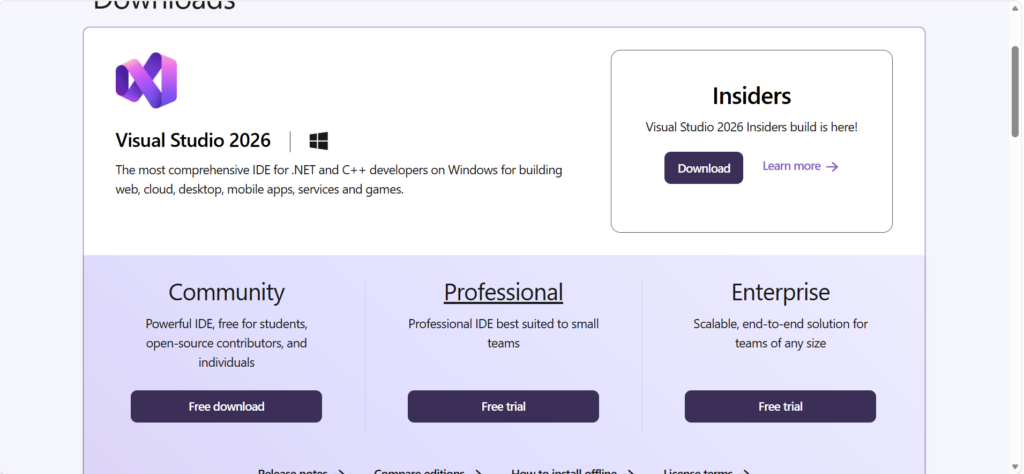
Also, make sure Microsoft Visual C++ Redistributable is installed on your system.
2: Install Miniconda Or Anaconda
A Conda environment helps avoid Python package conflicts.
- Download Miniconda
or - Download Anaconda
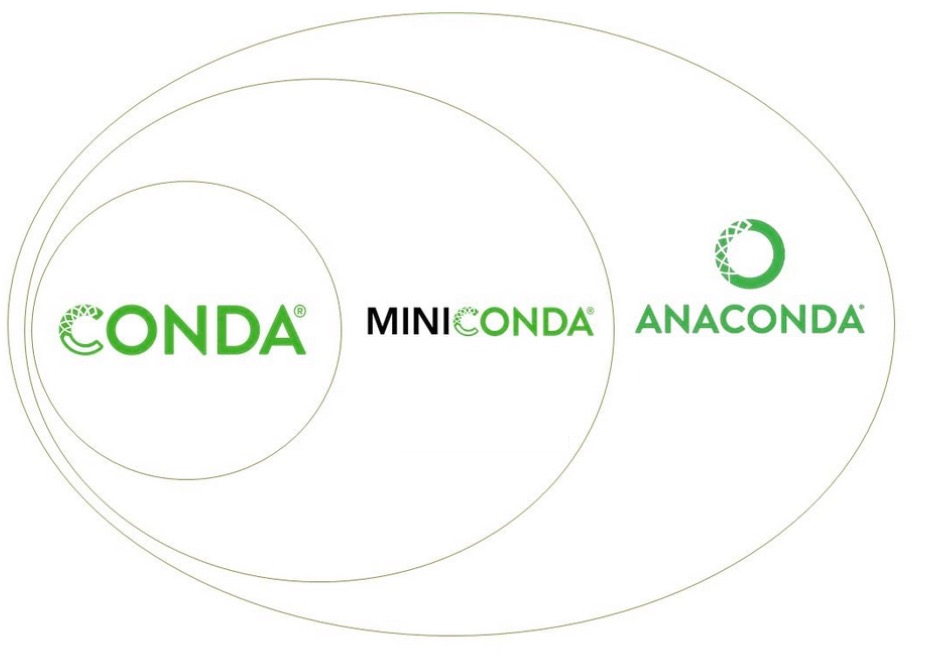
Install either one using the default settings.
3: Create A New Conda Environment
- Open Anaconda Prompt from the Start menu.
- Run the following command:
conda create -n gymenv python=3.11
3. Press Y when prompted.
4. Now activate the environment:
conda activate gymenv
4: Install OpenAI Gym (Gymnasium)
OpenAI Gym is now officially maintained as Gymnasium.
Install Classic Control Environments
pip install gymnasium[classic-control]
This installs environments like:
- CartPole
- MountainCar
- Pendulum
5: Install Additional Environments
Install MuJoCo
Used for robotics and physics simulations.
pip install gymnasium[mujoco]
Install Atari Games
pip install gymnasium[atari]
pip install gymnasium[accept-rom-license]
Install Box2D
Install SWIG first to prevent errors.
pip install swig
pip install gymnasium[box2d]
6: Verify The Installation
Create a file named test.py and paste this code:
import gymnasium as gym
env = gym.make("CartPole-v1", render_mode="human")
env.reset()
Save the file and run:
python test.py
If a CartPole simulation window opens, the installation was successful.
Installing OpenAI Gym in Windows 11 is easier when you use Conda and install all dependencies step by step.
After setup, you can start learning reinforcement learning and testing AI models without issues.

Leave a Reply