

With a teleprompter app for Windows 11, you can easily record videos, make presentations, conduct online meetings, or even give a speech. Avoid memorizing the words; read the script from the screen and concentrate on the camera.
Some applications will provide you with the choice of changing the text font, the scrolling speed and the position of the screen. Others will “look away” automatically as you talk, so you don’t have to look away so often.
You can find a free teleprompter app for Windows 11 or more advanced software to record videos; here are the 5 options.
Top Teleprompter apps for Windows 11
CuePrompter
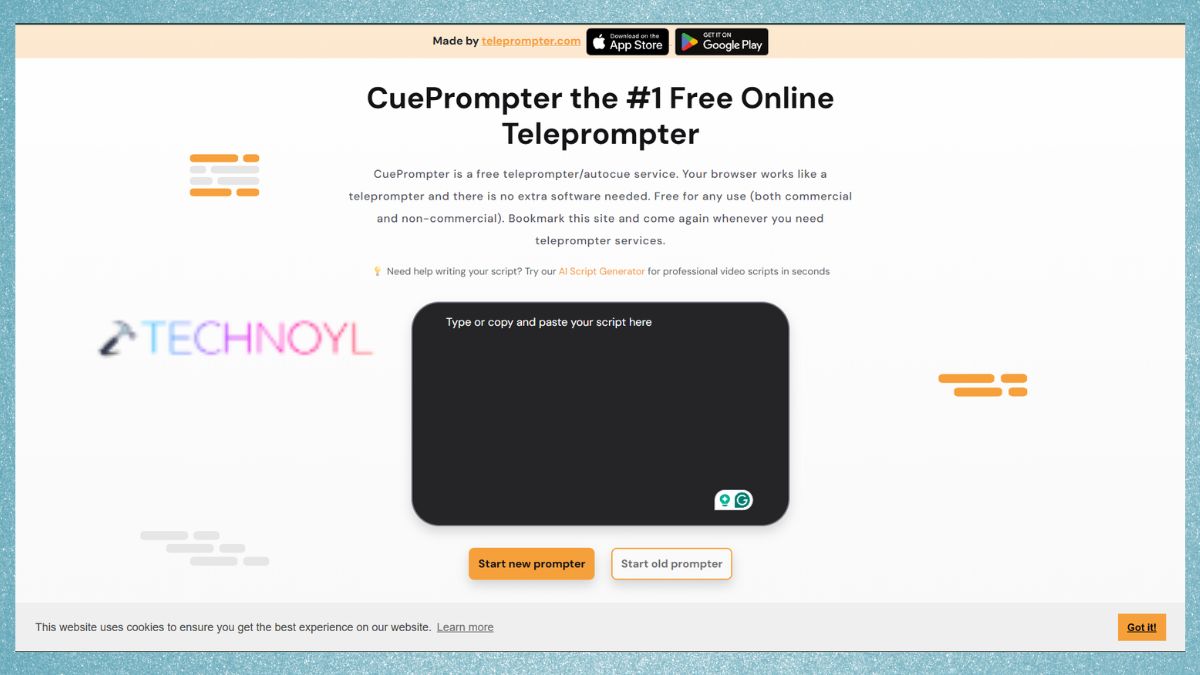
If you’re not interested in any installation, CuePrompter (https://cueprompter.com) is a good choice to start with. It runs inside your browser and lets you paste in your script, add text (or changes if necessary), and start scrolling. It can be used in presentations, videos or speeches, without the need to register.
Great option for all those who want to find the teleprompter software for Windows 11 that doesn’t require any additional software.
QPrompt
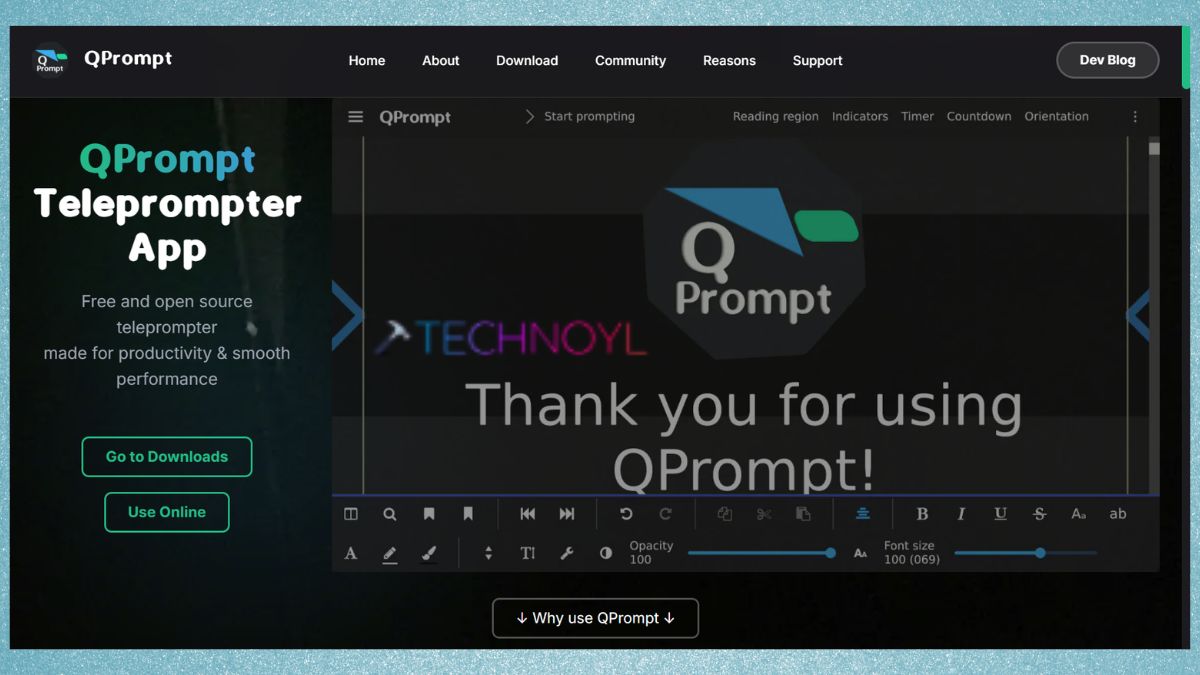
Find free and open-source Windows teleprompter software called QPrompt (https://qprompt.app). More flexible than the built-in browser tool and can be used for regular video recording and lectures.
It provides you with the ability to control scrolling speed, keyboard shortcuts / remote controls, multiple screens and background transparency. It’s particularly beneficial to creators who would like to make use of a desktop teleprompter without paying for a subscription.
Virtual Teleprompter
Virtual Teleprompter (https://www.vtpapps.com) is useful for reading a speech from a script while doing other work in another window. It enables automatic and manual scrolling, transparency adjustment to position the text in a comfortable place during a recording and during live meetings.
Lite is free for scripts up to only 1,000 characters, and is good for short videos and quick presentations.
Speakflow
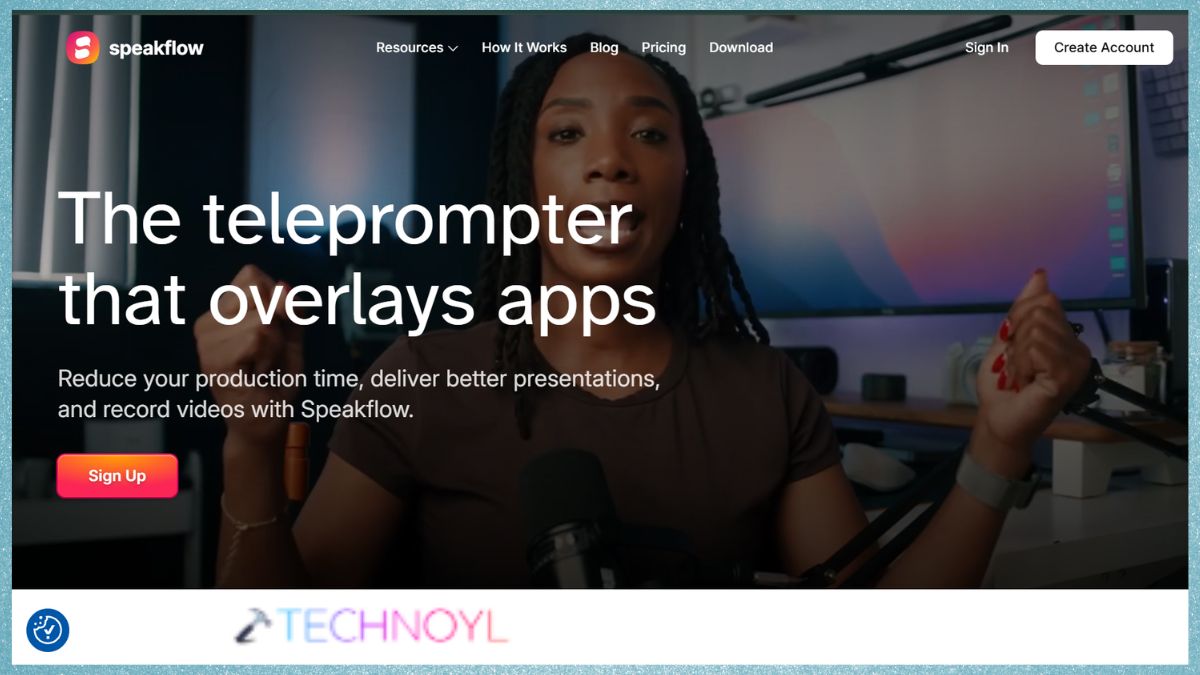
Speakflow (https://www.speakflow.com) is a browser-based teleprompter that scrolls automatically and is voice-activated. It has a feature called Flow, which moves the script in sync with your speech, instead of a set speed.
Ideal for longer videos, online meetings, presentations, or videos posted on YouTube. The free plan comes with teleprompter access and limited voice scrolling; advanced features are offered with paid plans.
EZ Teleprompter
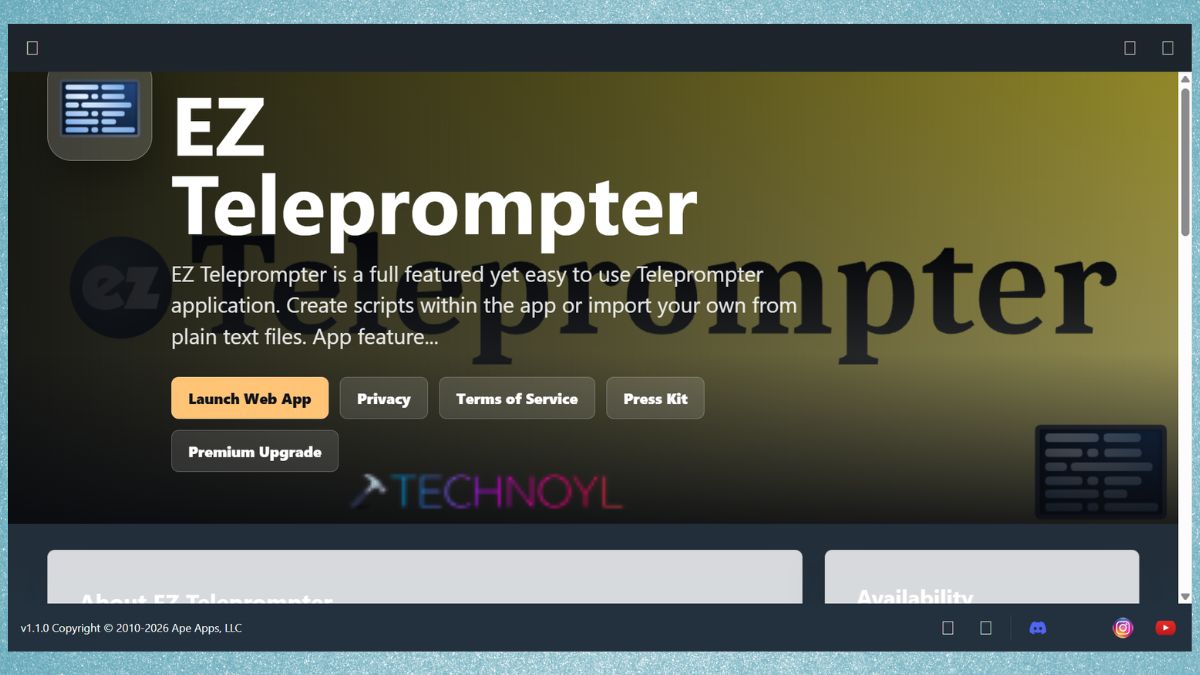
To help Windows users who need an easy-to-use script reading tool when recording video or video presentations, EZ Teleprompter (https://apps.ape-apps.com/ez-teleprompter) is available. Convenient for various workflows, it comes as a Windows application and a web application.
You can use it for showing your script during the speech, without memorizing each and every line. If you’re looking for an easier teleprompter to use than software with a lot of advanced features, it’s worth giving it a try.
That’s it!

Leave a Reply