


The best AI browsers for Windows 11 will depend on your needs. The AI browser is transforming the online search, reading, and working experience. Don’t have to toggle between a browser and an AI chatbot; use the AI right while you’re navigating the Internet to summarize web pages, answer questions, compare information and automate certain tasks.
For those interested in the best AI browsers for Windows 11 in 2026, there are a few applications to explore. Some enable research, others are privacy-focused, and others are more focused on productivity or AI-driven automation. Let’s take a look at some of the best Windows 11 AI browsers that you can try out.
Know Top AI Browsers for Windows 11 Users
Let’s look at some of the various AI browsers that offer different features such as AI assistant and automation for browsing, AI-powered tools for research. You will have to pick one according to your usage of the browser and your expectations from their AI.
Brave with Leo AI
If you would like to use the AI features but don’t need to sacrifice privacy, you can choose Brave Leo AI (https://brave.com/leo/). It has an assistant named Leo that can summarize a web page, answer questions, translate the content, explain content and help with writing.
You can ask Leo to summarise an article or explain something on the page you are reading – no copying of anything to another Chatbot! Brave also blocks many ads and trackers by default, ensuring that users’ browsing experience is cleaner. If you’re looking for an AI-powered browser with privacy features, you should consider Leo.
Microsoft Edge with Copilot
For Windows 11 users, there is nothing better than Microsoft Edge + Copilot, as it is the default browser installed with Windows 11. It also includes Copilot integration, enabling you to summarize a webpage, ask questions, understand documents and search for information in the current tab.
It can help clarify complex topics, recap of lengthy articles, and to help with browsing-related activities. In addition to this, Copilot with plugins can assist in specific Web browser actions based on the features and permissions granted. Edge stands out as a good choice if you’re already accustomed to Microsoft’s other services and don’t wish to install any additional software.
Perplexity Comet
Perplexity Comet (https://www.perplexity.ai/comet) is created for those who spend a great deal of time doing research online. It employs AI to comprehend the content of a webpage, can offer you a summary of articles, and reply to your questions. On top of that, it can even locate details from different sources.
It can be used to browse, compare products, research topics and understand lengthy documents and also to organize information. It helps eliminate the clutter of having to use multiple search engines, webpages and AI Chat tools. Comet is particularly useful for students, researchers, writers and other users who frequently use online information.
Sigma Browser
Sigma AI Browser combines the features of Internet browsing, AI chat and research. For the user who wants to utilize AI support while browsing websites and dealing with information. It offers AI research capabilities, webpage support and local AI model support. Local models are available that you can install on your computer instead of relying on 100% cloud-based AI services. However, the performance will vary based on your computer hardware. If you want to try AI-powered web browsing and want to have more control over how you use AI, then Sigma can come in handy.
BrowserOS neo
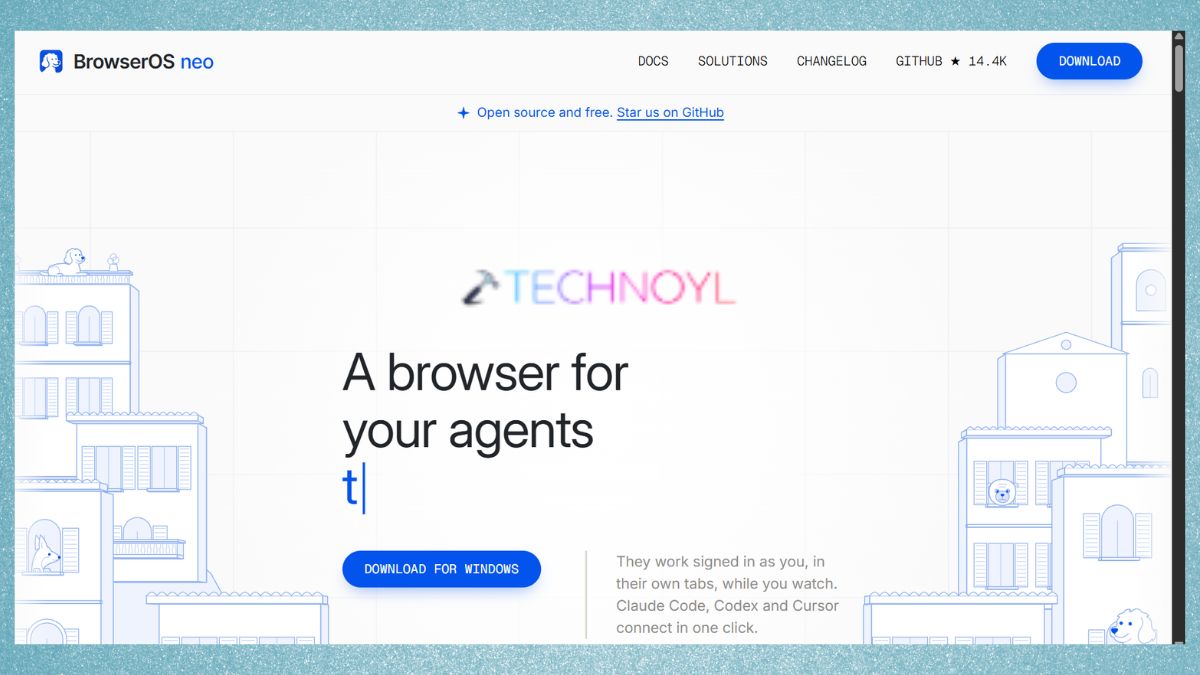
BrowserOS neo (https://www.browseros.com) is one of the intriguing ones for those who wish to interact with AI agents directly in their browser. It not only allows for a built-in chatbot to engage with web pages, but it also takes supported external AI agents to the web page and performs browser actions as well.
It helps facilitate agent workflows, including with tools like Claude Code, Codex, and Cursor. Agents can be used to navigate the Web, click on Web page items and to perform repetitive browsing tasks. BrowserOS neo is ideal for AI agent developers and users who have a solid understanding of the power of AI agents. If you’re interested in the implementation of AI in the web browser, it’s definitely worth checking out.
Other AI browsers
In addition to these browsers, there are a couple of other browsers to consider.
- Opera with Aria (https://www.opera.com/features/browser-ai): This one provides Artificial Intelligence support to answer questions, create content and navigate the web.
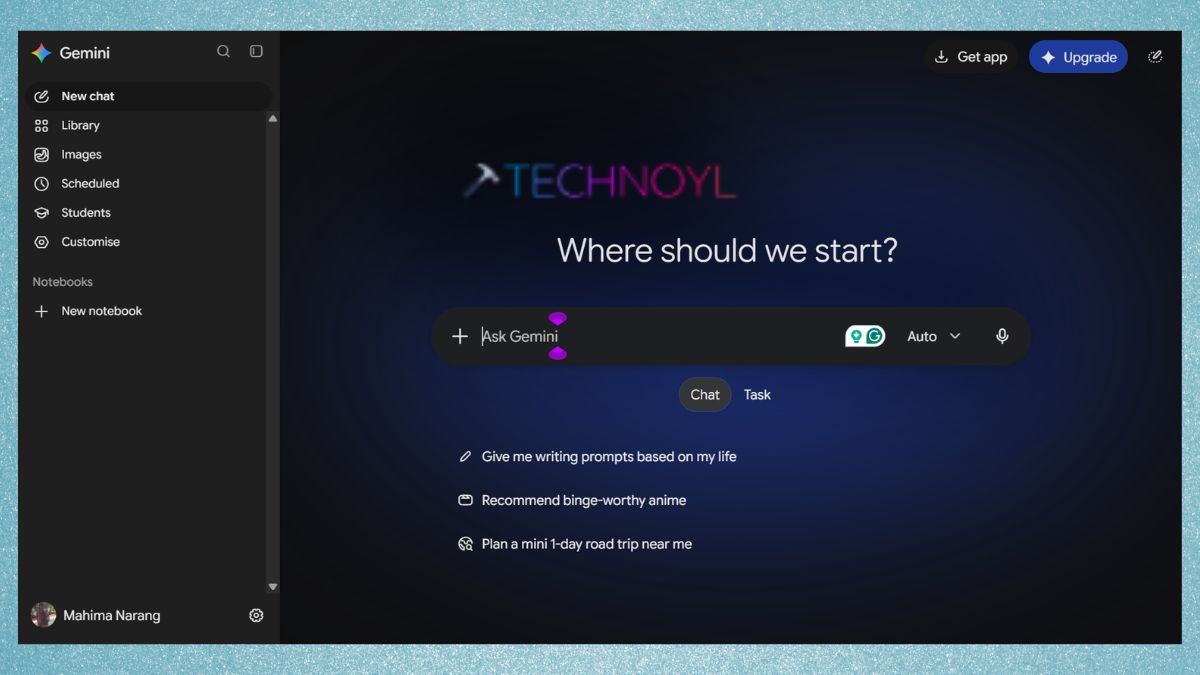
- Google Chrome with Gemini (https://gemini.google.com/?hl=en-IN): Adds AI functionalities to Google Chrome users (varies by features and regions);
- Dia (https://www.diabrowser.com): Browser assists with AI-assisted browsing, tabs and understanding content within the browser.
- Genspark (https://www.genspark.ai): It can be used in AI research, information retrieval and agent jobs.
Frequently Asked Questions (FAQs)
Which is the best AI browser for Windows 11?
Microsoft Edge (with Copilot) is a good option. For research purposes, Perplexity Comet is a great option, and Brave with Leo AI is for those who want private navigation.
Are AI browsers free to use?
Some of the most AI browsers may require a subscription for the Advanced AI models, usage limits and extras.
Can AI browsers automate tasks?
Yes, there are some AI browsers that can interact with websites, fill web forms, collect data and automate repetitive tasks. Before letting the AI make major changes, though, it’s important to check their actions out.
That’s it!

Leave a Reply