

Your profile picture is the first thing people notice online. A clean and professional photo helps you look more trustworthy on LinkedIn, more attractive on YouTube, and more polished on WhatsApp. And the good thing is, you no longer need an expensive photoshoot. Some of the best free AI profile picture makers can now turn simple selfies into high-quality headshots within minutes.
Best Free AI Profile Picture Maker For LinkedIn, WhatsApp & YouTube
1. Canva AI Headshot Generator
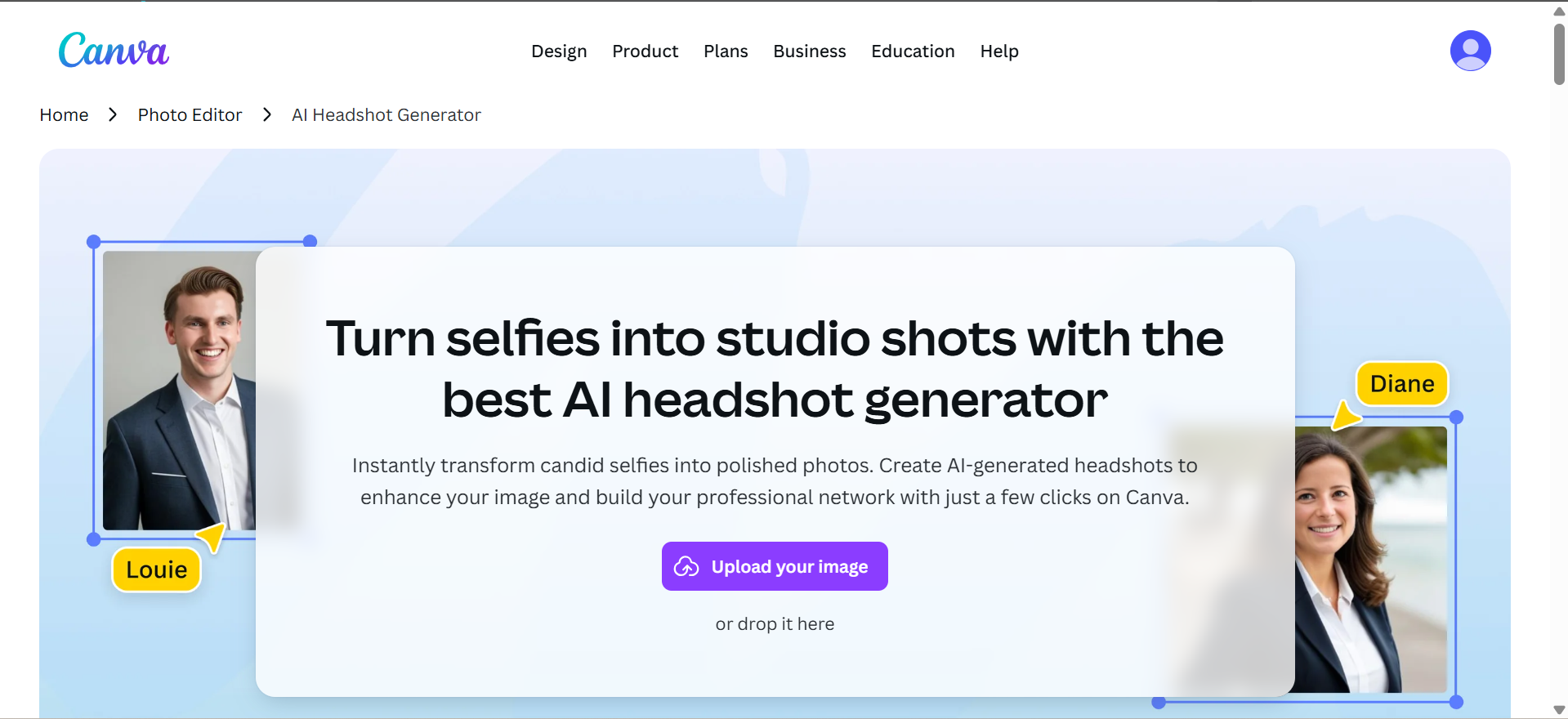
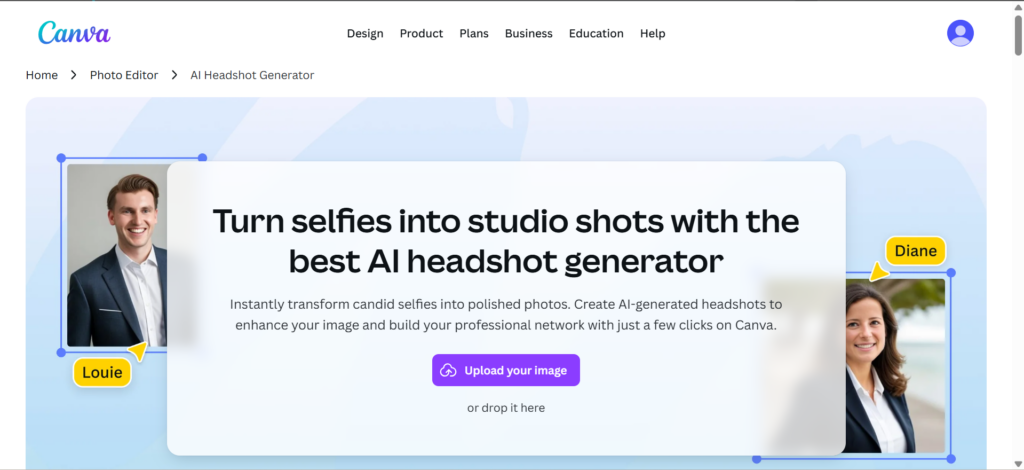
Canva is simple and easy to use. You can upload a selfie and use AI tools to improve the lighting, background, and overall quality.
Why use it:
- Beginner-friendly interface
- Easy editing options
- Great for professional LinkedIn photos
- Also useful for banners and YouTube branding
2. PFPMaker
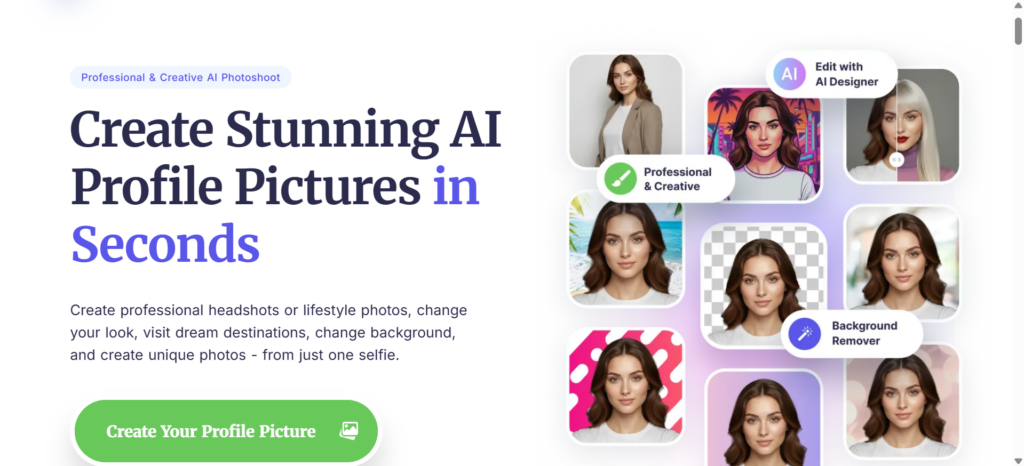
PFPMaker automatically removes backgrounds and creates stylish profile pictures in seconds.
Why use it:
- Completely free
- Fast results
- No editing skills needed
- Works perfectly for social media profiles
3. BetterPic
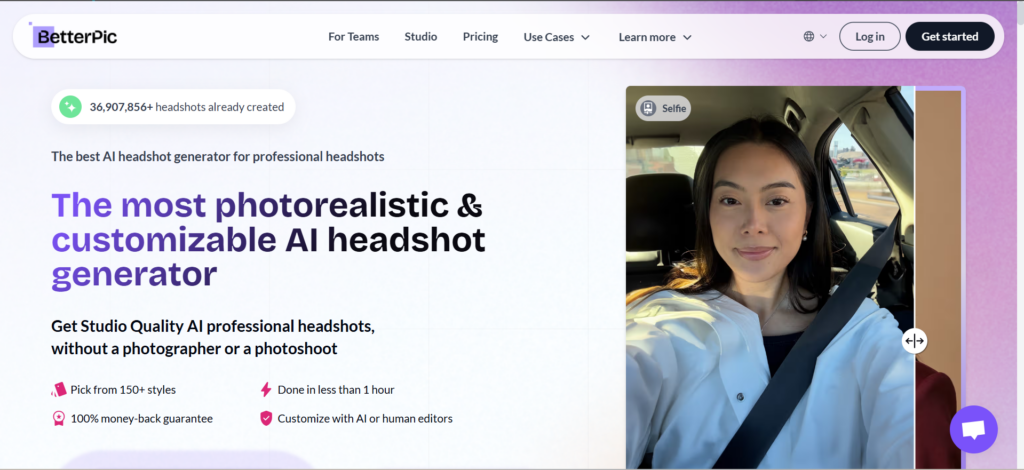
BetterPic creates studio-style AI headshots from selfies. It offers professional outfits, lighting, and background styles.
Why use it:
- Realistic results
- Professional business look
- Great for LinkedIn and resumes
- Multiple style options available
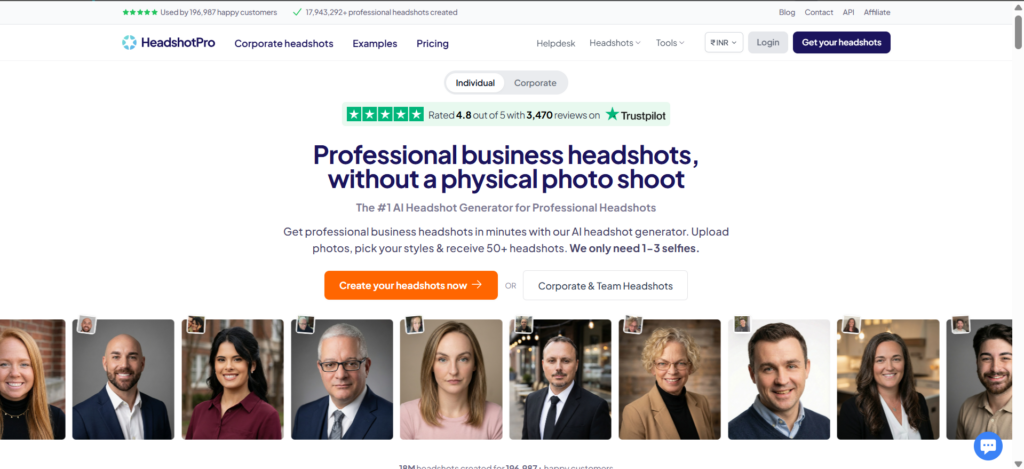
4. HeadshotPro
HeadshotPro specialises in polished, professional portraits for working professionals and teams.
Why use it:
- High-quality business headshots
- Multiple backgrounds and outfits
- Strong LinkedIn branding
- Studio-quality AI effects
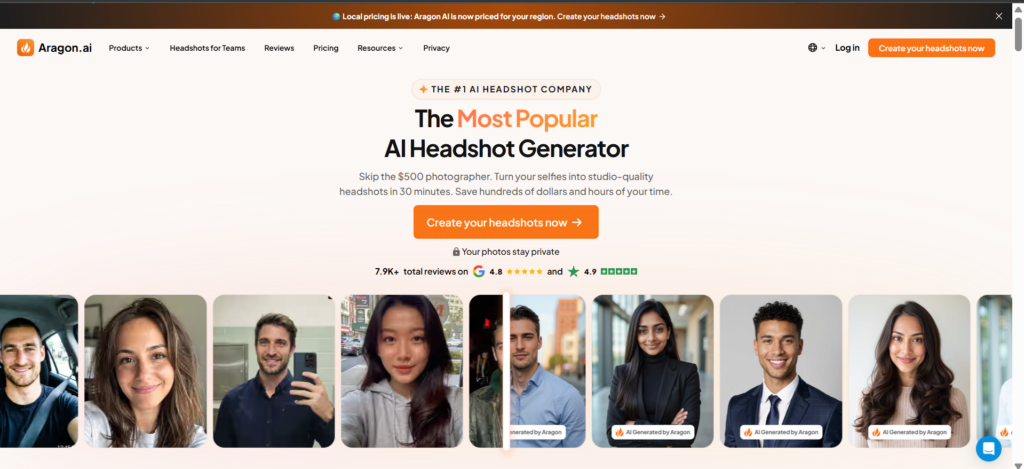
5. Aragon AI
Aragon AI generates realistic AI portraits with professional lighting and clean backgrounds.
Why use it:
- Sharp and realistic photos
- Great for office and business profiles
- Consistent corporate-style images
- Good alternative to photoshoots
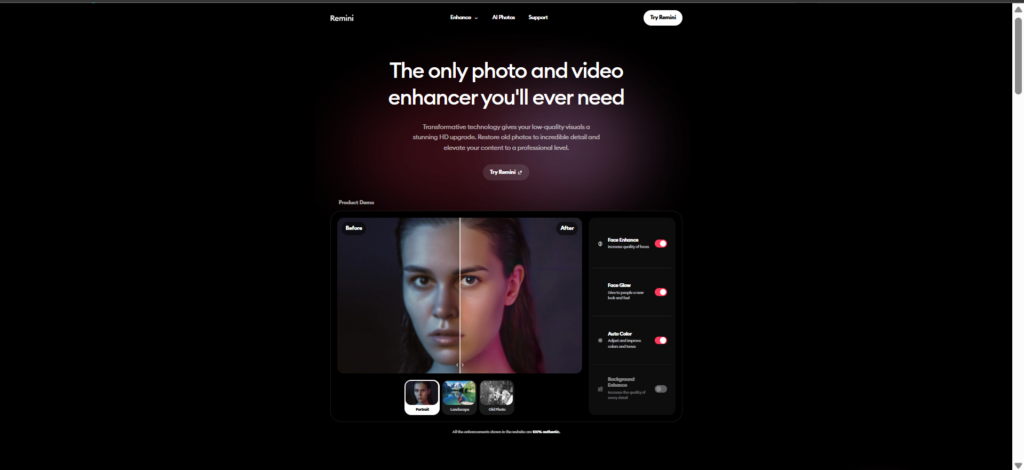
6. Remini + ClipDrop
Remini sharpens blurry selfies, while ClipDrop expands backgrounds and improves composition.
Why use them:
- Keeps your photo natural
- Enhances image quality
- Perfect for casual selfies
- Simple and quick editing process
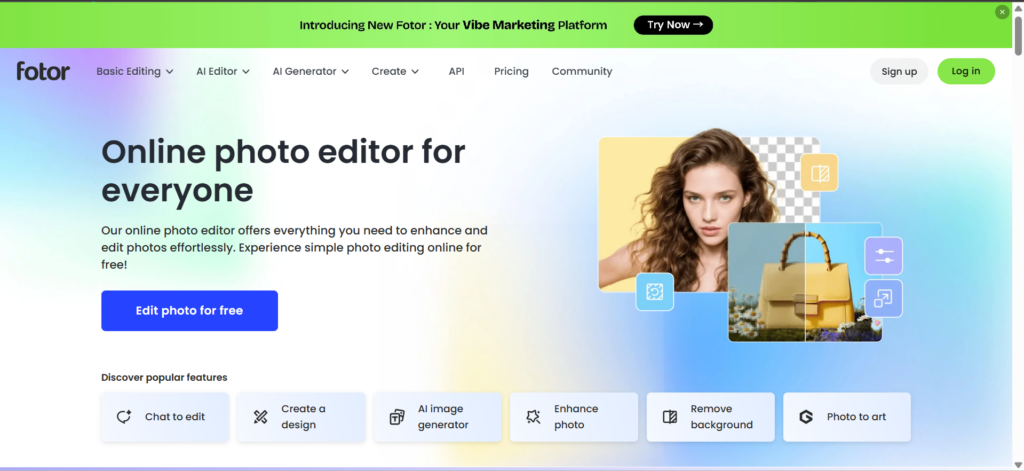
7. Fotor
Fotor AI Profile Picture Generator helps create clean profile pictures with AI enhancement tools.
Why use it:
- Easy to use
- Fast photo enhancement
- Good for beginners
- Useful for both personal and professional profiles
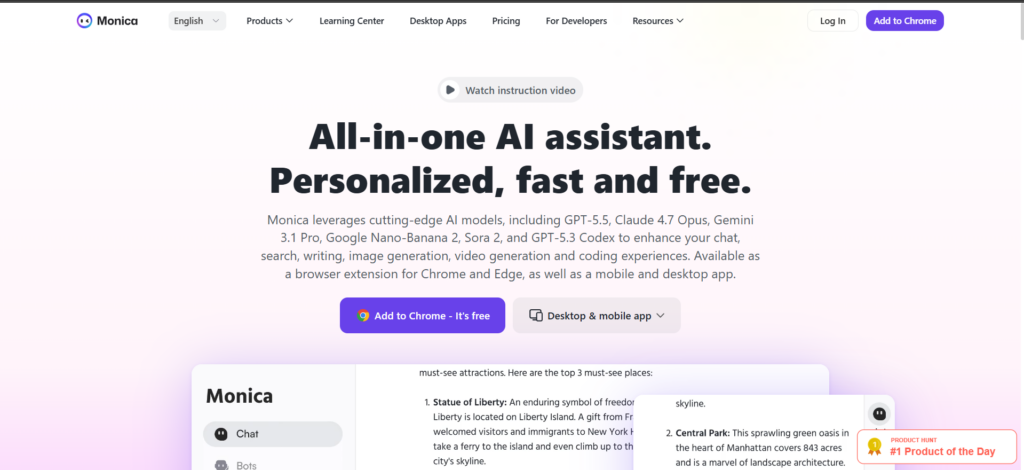
8. Monica AI
Monica AI can turn casual photos into studio-style portraits with different themes and styles.
Why use it:
- Stylish AI headshots
- Good for LinkedIn and YouTube
- Different professional looks
- Simple customization options
If you want something simple, Canva and PFPMaker are excellent choices. For realistic LinkedIn headshots, BetterPic, HeadshotPro, and Aragon AI work best. If you prefer to improve your own selfie naturally, Remini and ClipDrop make a great combination.

Leave a Reply